





30 Best AI Image Generator Prompts to Copy and Customize

8 mins read
The best AI image generator prompts work like clear visual briefs. Instead of naming only a subject, they define the action, setting, composition, lighting, style, and essential details the image model should follow.
This guide gives you 30 copy-ready prompts for portraits, products, anime, cinematic scenes, social content, interiors, and concept art. Choose a category, copy a prompt, and replace the subject, setting, palette, or layout details to match your project.
In this article:
- The AI Image Prompt Formula
- Quick Finder: Choose a Prompt by Goal
- 30 AI Image Generator Prompt Examples
- 1. Portrait and People Prompts
- 2. Product and Marketing Prompts
- 3. Anime and Illustration Prompts
- 4. Cinematic Storytelling Prompts
- 5. Social Media and Graphic Content Prompts
- 6. Places, Interiors, and Concept Design Prompts
- How to Improve Any AI Image Prompt
- How to Use These Prompts in ChatArt
- Frequently Asked Questions
- Final Prompt Checklist
- Conclusion: Turn an Idea into a Clear Visual Brief
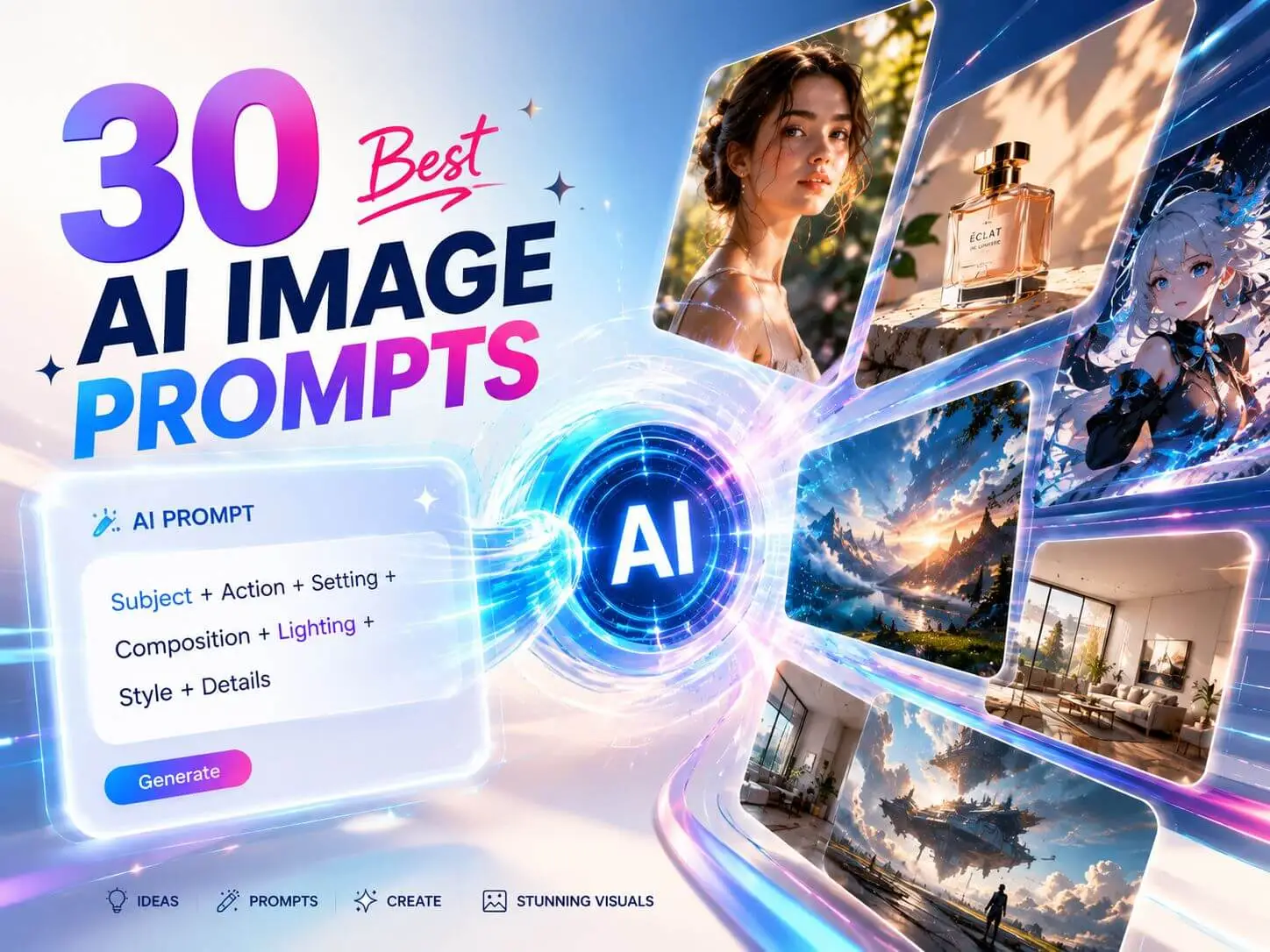
The AI Image Prompt Formula
Use this structure as a starting point:
 Prompt formula
[Subject] + [Action or pose] + [Environment] + [Composition] + [Lighting] + [Visual style] + [Must-have details]
Treat output settings separately:
Choose the right output settings
01Aspect ratio: Choose 1:1 for square artwork, 4:5 for portrait social posts, 16:9 for wide scenes, or the ratio required by your final placement.
02Model: Select a model based on the type of image you need and evaluate its output rather than assuming every model interprets the same wording identically.
03Resolution or quality setting: Use the controls provided by the image generator when the final image needs more detail.
Camera and lens terms are optional. They help with photographic framing, but they usually add little to a flat illustration, poster, or isometric graphic.
Quick Finder: Choose a Prompt by Goal
| Goal | Prompt numbers |
|---|---|
| Portraits and people | 1-5 |
| Products and marketing | 6-10 |
| Anime and illustration | 11-15 |
| Cinematic storytelling | 16-20 |
| Social and graphic content | 21-25 |
| Places, interiors, and concept design | 26-30 |
30 AI Image Generator Prompt Examples
1 Portrait and People Prompts
For stronger portrait prompts, specify the pose, crop, light direction, and skin treatment. Describing one natural action also helps the subject feel less staged.
1. Natural Editorial Portrait

Best for: Editorial profiles and personal-brand imagery. Replace the age, location, wardrobe, and palette; keep the pose and light direction specific.
2. Professional Personal-Brand Headshot

Best for: Portfolio, company, and professional profile images. Change the profession and wardrobe before adding decorative background objects.
3. Golden-Hour Lifestyle Portrait

Best for: Travel and lifestyle content. Replace the town with a market, park, or city street while keeping one believable action.
4. Dramatic Black-and-White Portrait
Best for: Artist profiles and documentary-style portraits. Change the profession or expression, but preserve the crop and lighting direction.
5. Fashion Campaign Portrait
Best for: Fashion concepts and campaign mood boards. Use two intentional colors and describe the garment's shape or material.
2 Product and Marketing Prompts
Product prompts work best when they define the viewing angle, surface, light, material, and intended space for campaign copy. Keep props limited so the product remains the focal point.
6. Minimal Studio Product Photo
Best for: Catalog and ecommerce images. Replace the product, material, pedestal color, and viewing angle.
7. Skincare Advertising Image

Best for: Beauty banners and social ads. Move the product and negative space according to the planned headline position.
8. Food Delivery Hero Image
Best for: Menus, delivery campaigns, and food ads. Name the actual dish and ingredients instead of relying on the word “delicious.”
9. Technology Product Launch Visual
Best for: Product-launch banners. Replace the accent color with the campaign color and use one motion effect rather than stacking smoke, particles, and multiple glows.
10. Handmade Product Lifestyle Scene
Best for: Handmade and artisan products. Use supporting objects that the target customer would realistically have nearby.
3 Anime and Illustration Prompts
For illustration prompts, define the medium, palette, character traits, and composition. Avoid combining several incompatible styles in one request.
11. Original Anime Character

Best for: Character introductions. Keep three recognizable traits: hairstyle, clothing, and one prop.
12. Fantasy Book Illustration
Best for: Book covers and story concepts. Contrast a small character with a large environment to make the scale readable.
13. Children's Storybook Scene

Best for: Picture books and family content. Use one clear activity and one humorous detail instead of overcrowding the scene.
14. Retro Travel Poster
Best for: Destination posters and event art. Replace the location and choose three recognizable scene layers. Add final typography separately when exact wording matters.
15. Isometric Workspace Illustration
Best for: Product explainers and editorial graphics. Replace the profession and tools while preserving clear object separation.
4 Cinematic Storytelling Prompts
Cinematic prompts need more than the word “cinematic.” Define the story moment, focal subject, shot size, light source, palette, and atmosphere.
16. Neo-Noir City Scene
Best for: Crime and thriller concepts. Keep the accent color restrained so the focal point remains clear.
17. Quiet Science-Fiction Interior
Best for: Grounded science fiction. Add ordinary human objects to make an unfamiliar setting feel lived in.
18. Historical Drama Frame
Best for: Period-drama concepts. Specify the decade, location, clothing, and one visible story action.
19. Adventure Landscape

Best for: Travel campaigns and adventure scenes. Use the subject's size and position to communicate scale.
20. Suspense Close-Up
Best for: Thriller story beats. Show what the character is watching or holding instead of asking only for a “mysterious mood.”
5 Social Media and Graphic Content Prompts
When an image will carry text, describe the subject position and negative space. Generate the visual first, then add final typography in a design tool when spelling and layout must be exact.
21. Podcast Cover Concept
Best for: Podcast artwork. Use one recognizable symbol for the topic and keep the silhouette readable at thumbnail size.
22. YouTube Thumbnail Background
Best for: Before-and-after or transformation thumbnails. State where the face and headline will be placed.
23. Instagram Carousel Cover

Best for: Educational social posts. Limit props to three or fewer and align the negative space with the planned copy.
24. Music Playlist Artwork
Best for: Mood-led playlist and album concepts. Choose one location and two light colors that match the music.
25. Event Announcement Background
Best for: Conferences, webinars, and launch announcements. Replace the palette with brand colors and choose the final platform ratio in the generator.
6 Places, Interiors, and Concept Design Prompts
Concept-design prompts become more useful when they include real constraints: room size, materials, capacity, circulation, weather, or how people use the space.
26. Warm Modern Living Room
Best for: Interior mood boards. Define the room size, three materials, and one accent color instead of combining several design movements.
27. Small Cafe Concept
Best for: Hospitality concepts. Include seating or layout constraints so the result is more than a decorative cafe image.
28. Futuristic Public Library
Best for: Civic and architectural concepts. Describe how people use the building so it does not become an empty science-fiction shell.
29. Remote Travel Destination
Best for: Destination and travel campaigns. Combine a specific place, weather condition, and one warm human detail.
30. Surreal Botanical World
Best for: Album art, campaigns, and fictional worlds. Anchor the surreal idea with a path, figure, or building so the composition has a focal point.
How to Improve Any AI Image Prompt
Write what the subject is doing, not only what it is. “A chef plating pasta” describes a visible moment; “a chef” leaves the model to invent one.
Use practical directions such as close-up, waist-up portrait, overhead view, eye-level shot, low angle, centered composition, or subject placed on the right. If the image needs room for copy, say exactly where the negative space should remain.
Replace “beautiful lighting” with a visible source: soft window light, hard midday sun, warm desk lamp, overcast daylight, neon reflections, or low-key side lighting.
Prompt stuffing creates conflicting instructions. Instead of combining photorealistic, watercolor, 3D, vintage poster, cinematic, and minimalist, choose one primary medium and one supporting texture or finish.
If the first image is close, do not rewrite everything. Change only the composition, lighting, palette, background, or subject detail that caused the biggest problem.

ChatArt AI Image Generator
Create images from text prompts in multiple styles
How to Use These Prompts in ChatArt
- Open the ChatArt AI Image Generator.
- Choose an image model and the output ratio required by the final placement.
- Copy one prompt from this guide and replace its subject, setting, palette, or other project-specific details.
- Generate an image and identify the single biggest issue: subject, composition, lighting, color, or style.
- Edit only that part of the prompt and generate again.
For example, if the subject looks right but there is no room for a headline, keep the rest of the prompt and add:
Place the subject on the right third of the frame, with a clean simple background and generous negative space on the left for headline text.
If you have only a rough idea, use AI Chat for Image to turn the idea into a clearer visual brief before generating.
Frequently Asked Questions
1What is an AI image generator prompt?
An AI image generator prompt is a written description of the image you want to create. It usually defines the subject, action, environment, composition, lighting, style, and essential details.
2What makes a good AI image prompt?
A good prompt makes the important visual decisions explicit without repeating or contradicting itself. It identifies the focal subject, explains the scene and composition, and uses concrete visual language instead of broad adjectives.
3How long should an AI image prompt be?
Use enough detail to define the image clearly. One focused sentence may be enough for a simple portrait or product shot; a scene with several spatial relationships may need two or three sentences. Length matters less than clarity.
4Should every prompt include camera and lens terms?
No. Camera terms help when you need photographic framing or depth of field. They are usually unnecessary for flat graphics, posters, isometric illustrations, or other non-photographic styles.
5Why does an image generator ignore part of my prompt?
The prompt may contain too many subjects, conflicting styles, or details with no clear priority. Remove secondary instructions, keep the focal subject and composition, then add details back gradually.
6Can I use the same prompt with different AI image models?
Yes, but the outputs may differ because models interpret wording, style, realism, and detail differently. Keep the creative goal stable and adjust the wording after evaluating each model's result.
7How do I leave space for text in an AI-generated image?
State where the subject should appear and where the empty space should remain. For example: “Place the product on the right, with a clean background and generous negative space on the left for headline text.” Add final typography separately when exact wording matters.
8Should I use negative prompts?
Use negative prompts only when the selected image model supports them and you need to prevent a specific recurring problem. Start with a clear positive description first. A long generic list of unwanted features can introduce new conflicts without improving the composition.
Final Prompt Checklist
Before generating, check whether the prompt answers these questions:
- What is the focal subject?
- What is the subject doing?
- Where does the scene take place?
- How should the image be framed?
- What is the main light source?
- What visual medium or style should it follow?
- Which two or three details must remain clear?
- Does the final placement need empty space for text?
- Is the required aspect ratio selected in the generator?
Conclusion: Turn an Idea into a Clear Visual Brief
The best AI image generator prompts are not necessarily the longest. They make the focal subject, composition, lighting, style, and essential details easy to understand. Start with the category closest to your goal, copy one prompt, and change only the subject, setting, palette, or layout details required by your project.
There is no single perfect prompt for every image model. Generate a first image, identify the biggest mismatch, and revise one variable at a time. When you are ready to test a prompt, open the ChatArt AI Image Generator and use the first result as feedback for the next version.
Mastering AI Prompts: Create Breathtaking Couple Kissing Images & Videos
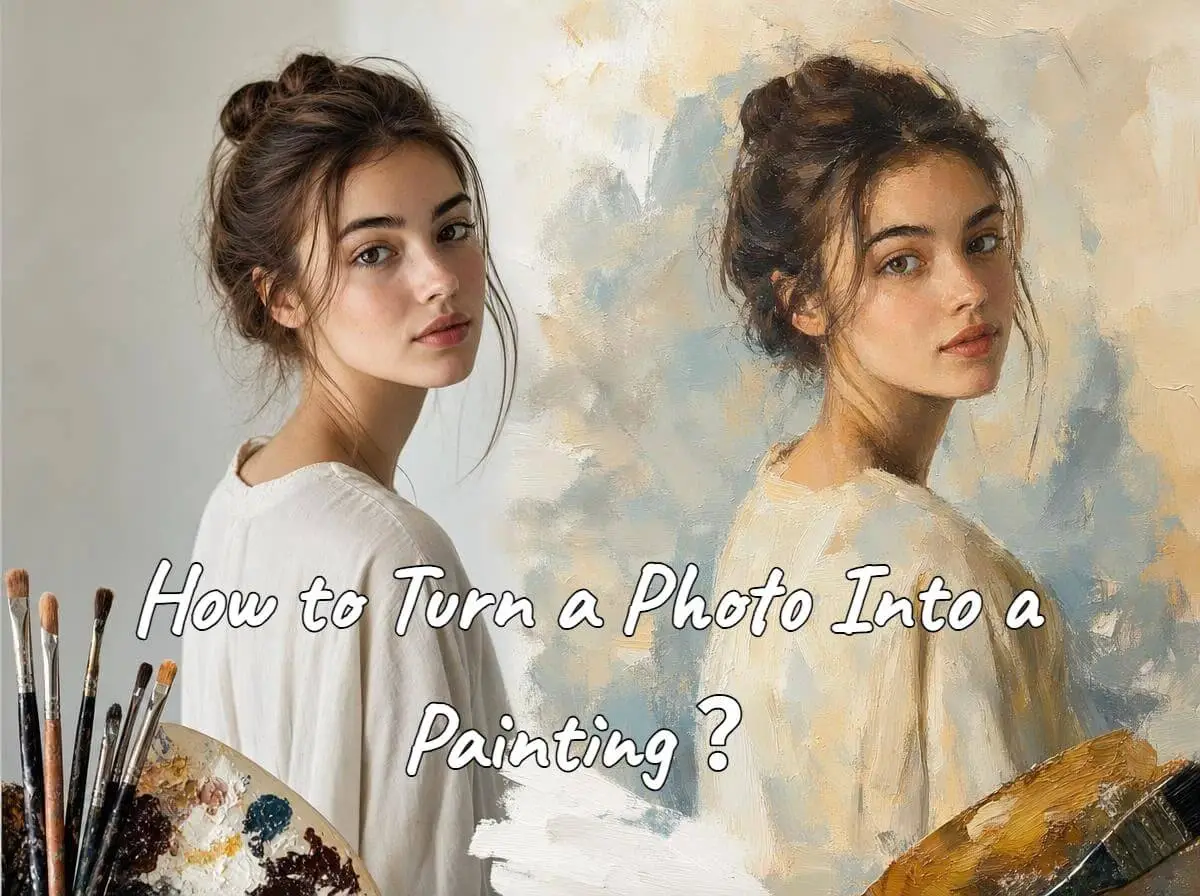
How to Turn a Photo Into a Painting With AI Without Losing Facial Identity
How to Make a TikTok Video: A Complete Step-by-Step Guide

