





Explore AI Video Generators – No Hassle, Just Create in 2026


6 mins read
Today’s AI video tools can turn prompts or still images into expressive clips across a wide range of styles. This guide compares their model options, output controls, creative workflows, and practical limitations. Whether you’re creating a story, advertisement, or social media clip, these tools can help you move from an idea to a polished video more efficiently.
In this article:
What Is AI Image-to-Video?
AI image-to-video technology allows users to turn static images into moving, cinematic videos — adding animation, sound, and even emotions to still visuals.
Interest in account-free and flexible AI video tools reflects a demand for faster setup, clearer pricing, and more control over output options.
Popular AI Video Generation Models
Canva AI Video Generator

Canva first was introduced in early 2025 during the Canva Create 2025 event, with the AI video feature powered by Google’s Veo 3 model integrated into Canva’s Visual Suite 2.0. Now it is widely recognized for its beginner-friendly design, making it a go-to choice for quick video projects.
Pros:
- Easy to use with an intuitive drag-and-drop interface.
- Animate slides, apply transitions, and turn photos into short video reels.
- Ideal for marketing videos, social media content, and quick promotional clips.
Cons:
- Template-based system restrictions creative flexibility for freeform storytelling.
- Longer or high-resolution videos often require a paid subscription.
- Not designed for large-scale, cinematic productions.
Runway AI Video Generator

Runway Gen-2 was publicly released in June 2023, following the success of Gen-1 earlier that year. Runway has since continued to iterate, with new model updates through 2025 expanding its API and reference-based generation. Runway is known for its advanced AI capabilities, offering more creative control than Canva.
Pros:
- Generates realistic movement and cinematic effects from text or images.
- Supports style transfer and advanced video editing features.
- Suitable for short films, ads, and experimental creative projects.
Cons:
- Free users face restrictionations on resolution, length, and export speed.
- Requires account registration.
- May have a steeper learning curve for beginners.
ChatArt - AI Video Generator
As the demand for AI video generation continues to grow, multi-functional AI tool - ChatArt steps in one workflow. Available duration, resolution, and generation options vary by the selected model and plan.


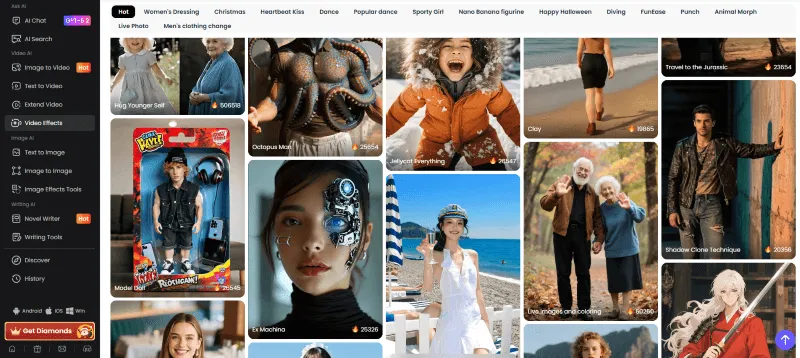
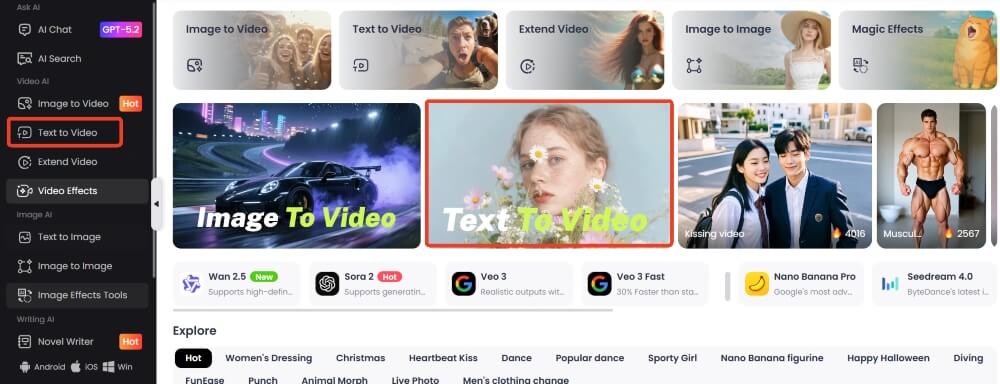
- AI Video Creation Made Easy: Turn ideas into videos in 3 ways — choose from 300+ AI video templates, upload photos and add prompts, or generate videos from text instantly.
- Creative Toolkit: lncludes AI writing, chat-based and advanced image generator and editor, photo restoration, SEO content creation, and many others, offering you comprehensive creative support and intelligent assistance for any project.
- Next-Gen AI Video Models: Built on advanced engines like Seedance, VEO3, and Pixverse, ChatArt creates ultra-realistic, high-quality videos.
- All-in-One AI Power: Whether you’re creating content, designing visuals, or generating ideas, ChatArt gives you comprehensive creative support and intelligent assistance for any project.
ChatArt AI Image to Video - Choose from Various Effects

Text to Video AI Generator

Conclusion
Mastering AI Prompts: Create Breathtaking Couple Kissing Images & Videos
30 Best AI Image Generator Prompts to Copy and Customize
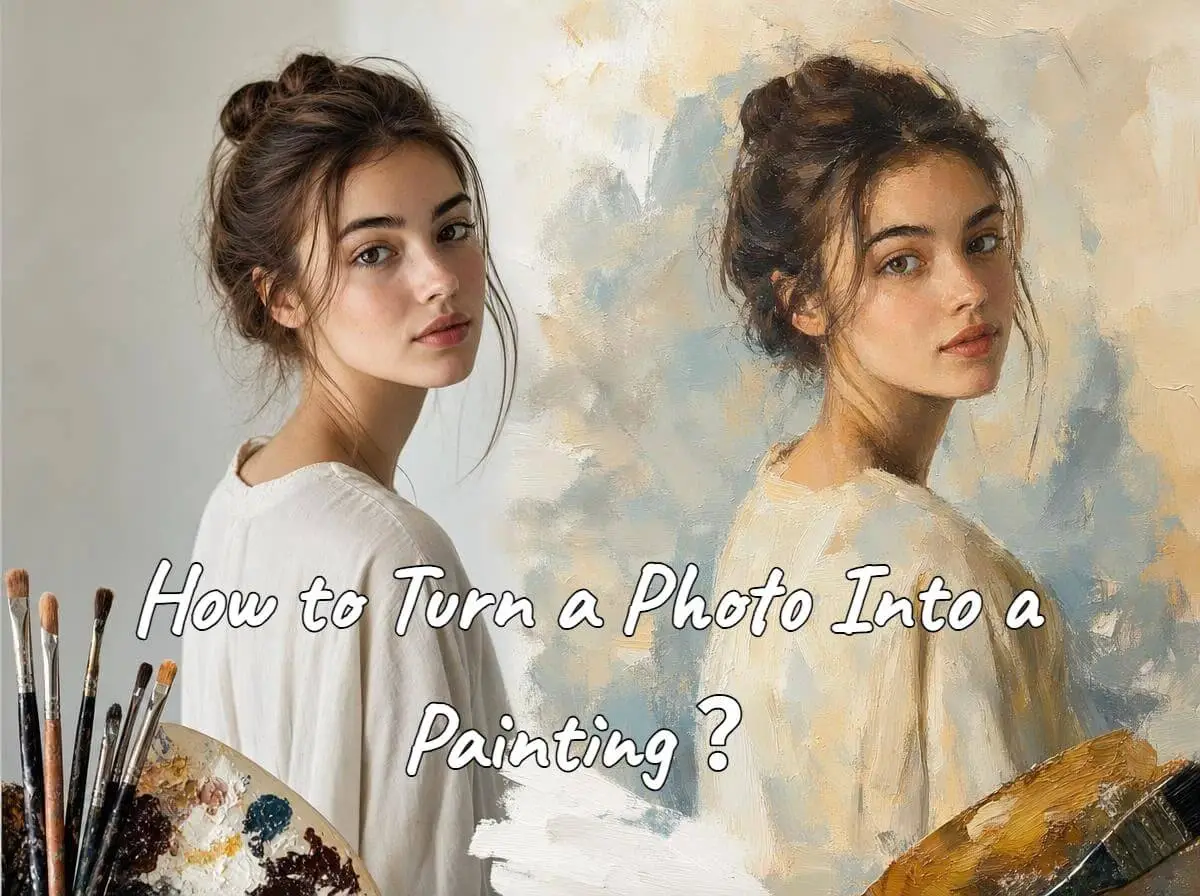
How to Turn a Photo Into a Painting With AI Without Losing Facial Identity