





Create Short Story Scenes
Turn a short script or story beat into a visual scene with characters, action, mood, and camera direction.
Turn story ideas, product concepts, and social hooks into short video drafts for your next project.
Turn a short script or story beat into a visual scene with characters, action, mood, and camera direction.
Describe your product, audience, selling point, and visual style to generate short promotional concepts for ads and launches.
Turn hooks, captions, and creator ideas into vertical videos for TikTok, Reels, and YouTube Shorts.
ChatArt helps creators, marketers, storytellers, and educators turn written ideas into short video drafts without starting with footage.
Turn hooks, captions, and scripts into video concepts for TikTok, Reels, and YouTube Shorts.
Create product promos, ad concepts, and launch teasers when you do not already have source footage.
Visualize story beats, scene ideas, camera movement, and mood before moving into production.
Turn lesson highlights or article summaries into concise visual explainers for online audiences.
Write the scene, choose the settings, and generate a short video from your idea.
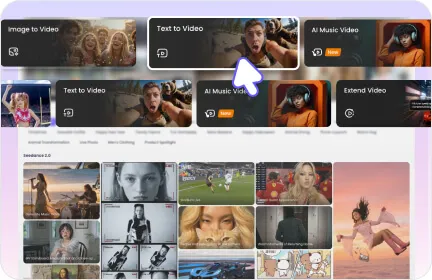
Describe the subject, action, scene, camera movement, style, mood, and output use.

Select Basic or Advanced models, quality, duration, and a ratio supported by that model.

Review the result, adjust the prompt when needed, and export the video for your project.
Use a clear formula when a one-line idea is too vague for video generation.
Build a polished product shot with clear motion, lighting, and format direction.
SubjectA premium skincare bottle
ActionDisplayed in motion
SettingOn a clean studio table
CameraSlow orbit camera
StyleSoft reflections and bright commercial lighting
MoodCalm luxury
Ratio9:16 video
A premium skincare bottle on a clean studio table, slow orbit camera, soft reflections, bright commercial lighting, calm luxury mood, 9:16 video.
Combine setting, camera movement, and atmosphere into one story beat.
SubjectA lone traveler
ActionEnters the city
SettingA glowing city at dusk
CameraWide shot with a slow dolly forward
StyleAtmospheric light and cinematic framing
MoodEmotional reveal
Ratio16:9 video
A lone traveler enters a glowing city at dusk, wide shot, slow dolly forward, atmospheric light, emotional reveal, cinematic 16:9 style.
Make the transformation easy to follow with a controlled overhead view.
SubjectA creator
ActionTurns a messy idea into a finished plan
SettingA clean, bright desk setup
CameraSmooth overhead camera
StyleClear step-by-step motion
MoodFocused and practical
Ratio16:9 explainer video
A clean desk setup shows a creator turning a messy idea into a finished plan, smooth overhead camera, bright workspace, clear step-by-step motion, 16:9 explainer video.
Turn the main ideas into quick visual beats with a clear ending.
SubjectThree productivity tips
ActionAppear as a fast visual recap
SettingAnimated notes and calendar scenes
CameraQuick transitions between scenes
StyleFriendly modern visuals
MoodEnds with a clear takeaway
Ratio9:16 video
A fast visual recap of three productivity tips, animated notes and calendar scenes, friendly modern style, quick transitions, ending with a clear takeaway, 9:16 video.
Give a product launch clear movement, contrast, and commercial intent.
SubjectA new wireless headphone
ActionFloats above the display
SettingA dark display table
CameraClose-up camera move
StyleDramatic light sweep
MoodPremium tech launch
Ratio1:1 video
A new wireless headphone floats above a dark display table, dramatic light sweep, close-up camera move, premium tech mood, launch teaser for an online store, 1:1 video.
Use the output goal to choose the model, ratio, quality, and duration before you generate.
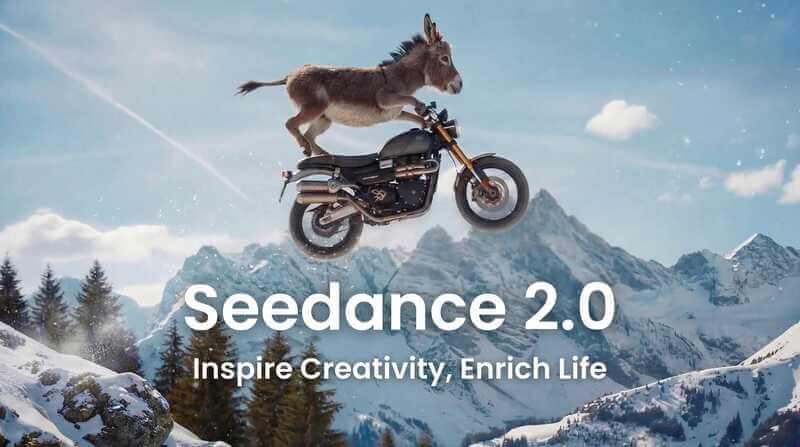
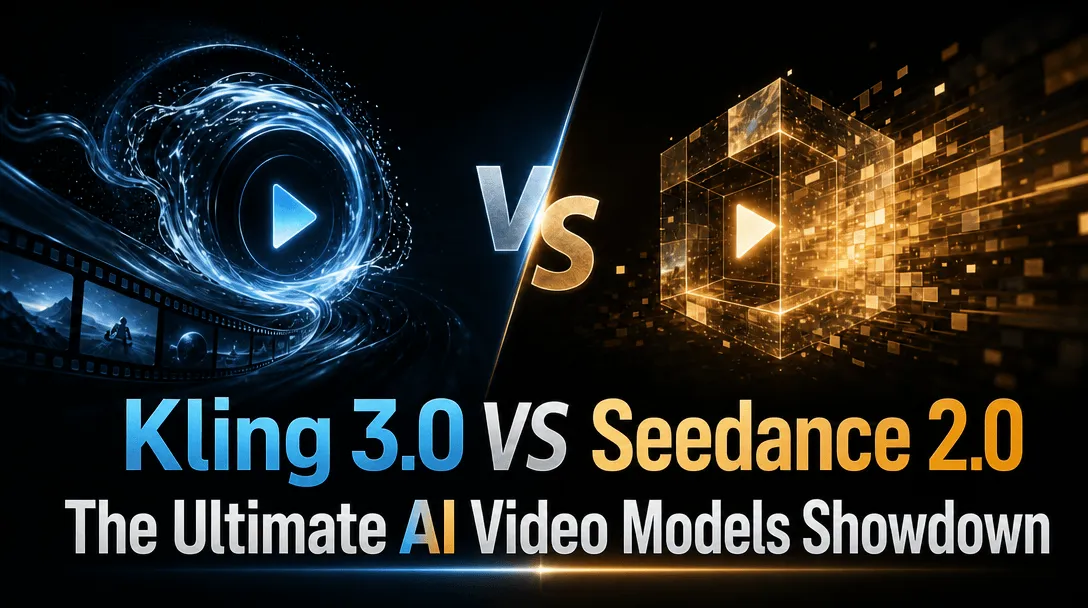
Watch model demos and prompt workflows before choosing the text-to-video style you want to create.
Use these guides for model choice, prompt writing, and video workflow ideas.
Common text-to-video questions
Yes. Paste a short script, product concept, caption, or scene idea into ChatArt text-to-video, choose the model and output settings, then generate a short AI video online.
The best prompts include the subject, action, setting, camera movement, style, mood, and intended format. For ads or social posts, add the platform ratio and the key message.
Yes. Text-to-video is useful for product ads, TikTok and Reels drafts, YouTube Shorts concepts, story scenes, and quick marketing visuals when you do not already have source footage.
Yes. Break the article into a short hook, 3 to 5 scene beats, and a clear ending, then paste that summary into ChatArt text-to-video. This works better than pasting a long article unchanged.
Yes. ChatArt supports common ratios such as 1:1, 9:16, 16:9, 3:4, and 4:3 when the selected model supports them. Video duration can be up to 15 seconds.
Use text-to-video when you have an idea, script, or scene description. Use image-to-video when you already have a photo, product shot, or character image that should stay visually consistent.
This page focuses on generating video from text prompts first. If your project needs voice, subtitles, music, branding, or full editing, continue in ChatArt's broader video workspace after generation.
Use a faster basic model for drafts and an advanced model when the scene needs better motion, cinematic style, or stronger prompt following. Available models and settings can vary.
You can create product ad drafts, social concepts, and marketing visuals with ChatArt, but review your plan terms, source rights, and publishing requirements before using any AI-generated asset commercially.
Registered users can receive free credits to try ChatArt. Some models, higher quality settings, or additional generations may require more credits.


Open with a fast visual beat
Lead with immediate movement and contrast for a short social clip.
SubjectA creator
ActionWalks into the scene
SettingA neon workspace
CameraQuick push-in
StyleEnergetic motion and bold color contrast
MoodFast opening hook
RatioShort social video
A creator walks into a neon workspace, quick camera push-in, energetic motion, bold color contrast, fast opening hook for a short social video.