AI Image to Video Generator Online
Upload a photo, product shot, portrait, or AI image, describe the motion you want, and turn one still image into a short AI video.
Upload a photo, product shot, portrait, or AI image, describe the motion you want, and turn one still image into a short AI video.
*Image

Art Motion 4.1
Art Motion 4.1

Seedance

HappyHorse 1.1
Art Motion 5.0

Kling AI

Wan AI

Vidu

PixVerse 4.5

Google Veo

LoveAI 1.0

Supported formats: JPG, PNG
Max file size: 10MB
*Video Description
*Source image description

Nano Banana Pro
Nano Banana Pro
Art 4.1

Seedream 4.0

Flux Kontext Max

Stable Diffusion
Result
Upload the image and make it come to life based on your description.
Oops, the generation failed! Please try again or use different content.
Create a source image first, then animate it with motion prompts and effects.


Oops, the generation failed! Please try again or use different content.
camera slowly zoom out, lady petting the dragon, dragon is happy,4k.
Make SameThe figure in the painting looks around, then takes a deep drag on his pipe, exhaling smoke with the texture of an oil painting. His gaze falls on the coffee outside the frame, he puts down his pipe, then reaches out with his right hand to pick up the coffee, takes a sip, and shows a satisfied expression. Finally, he puts the coffee back in its place, returns his right hand to the painting, looks at the camera, and his lips open and close naturally, precisely matching the lip movements to say "I love coffee." The whole process is fluid and has a cinematic dynamic beauty.
Make SameSunlight poured down like liquid gold, casting a luminous outline on the dog's fluffy fur. Its slightly squinted eyes slowly opened, looking directly at the camera, its lips curving upwards as if in a smile. Its ears twitched gently in the breeze, and orange-yellow and purple flowers around it swayed in the wind, their petals beginning to fall and drift into the air. The camera slowly rotated around the dog, the light gradually transitioning from side-backlighting to warm frontal light. The entire scene was filled with petals and light particles intertwining and dancing, finally freezing on the gentle moment when the dog opened its eyes and looked directly at the camera, like a movie about pure joy.
Make SameThe church spire slowly twists and turns, a vortex of starlight swirls and flows, and the silhouette of a detective is sucked into the vortex, his body elongated and deformed-the movement is soothing yet powerful.,4K.
Make SameA fixed macro lens was used throughout the entire shot, with no camera movement or shake. The main subject of the image is a highly transparent glass filled with clear blue seawater. At the bottom of the glass, a miniature volcano is continuously and steadily erupting, with hot, orange-red lava flowing slowly down the rough volcanic rock. The crater erupts, forming a fluffy, full white mushroom-shaped cloud of steam. The steam, carrying tiny bubbles, slowly rises in the seawater, and the bubbles float gently and evenly to the surface, creating natural ripples and fine foam. The overall style is hyper-realistic macro photography, with cinematic soft side-backlighting. The warm glow of the lava contrasts sharply with the cool blue seawater, accurately capturing the transparency and refraction of the glass, the realistic fluid texture of the seawater and lava, and the rough texture of the volcanic rock. The image is in 8K ultra-high definition, with HDR high detail. The focus remains locked on the volcanic crater and the rising mushroom cloud, with shallow depth of field, a softly blurred background, flicker-free image, and smooth, natural motion, creating a surreal miniature landscape.
Make SameThunder Bear stands on a destroyed battlefield surrounded by fallen heroes. Smoke and embers drift through the air. In the background, a towering shadow creature with glowing red eyes moves through the smoke. Thunder Bear's blue eyes glow brighter and electricity begins crackling around his hands and armor. Lightning strikes nearby and a wave of blue energy spreads across the ground. The camera slowly pushes in and then shifts to a heroic angle behind Thunder Bear as he steps toward the monster. Epic storm clouds, dramatic lighting, cinematic motion, ultra detailed, movie trailer style.
Make SameLow-angle tracking shot from behind the boy, slowly pushing forward. Light pours down from the top of the dilapidated warehouse. A giant mech gradually comes into view through the smoke and mist. Shot 2 (3 seconds): cut to the mech's perspective, looking down at the boy. The boy slowly lifts his head, fearless in his eyes. Boy: "Are you broken?" The mech pauses, then replies: "Aren't we all?" Visual style: desaturated ruined grayscale, divine top lighting, steam and smoke, rusted steel textures. Emotional goal: emotional resonance between the tiny human and the colossal machine. Music suggestion: heavy industrial drum beats with rising strings. No on-screen subtitles.
Make SameSlow majestic cinematic push-in with subtle rising camera arc and gentle lateral drift orbiting the woman and the immense dragon's head, 10-second duration. The ethereal woman with long silver-white hair flowing in slow motion turns her face gradually upward toward the dragon. Wind gently parts strands across her pale features while thin veils of frost form and sparkle on her lashes and cheekbones. Her flowing white robe ripples softly in undulating waves from the dragon's deep rhythmic breathing, fabric catching faint subsurface glow from beneath the ice. Dense volumetric steam and icy mist billow upward in thick rolling clouds from cracks in the frozen ground, swirling around her legs and blending with the dragon's hot orange-tinted breath plumes that condense into sparkling ice particles mid-air. The colossal obsidian-scaled dragon's massive head remains mostly still, but its glowing ember-orange eyes slowly narrow then widen with ancient recognition.
Make SameNight scene under a starry sky. A cloaked figure stands motionless on a rocky shore in the foreground, facing away and gazing at the dark ocean. A large ancient tall ship with tattered full sails charges forward through turbulent waves, with realistic white foam crashing and spraying against the hull, sails billowing and rippling dynamically in strong wind, and rigging creaking subtly. A massive swirling golden fiery ring vortex looms in the sky above the ship, rotating slowly with intense energy trails spiraling inward to a dark center, pulsing flames and particles flowing realistically. Ocean waves roll and ripple with accurate physics, reflecting golden vortex light and shimmering stars. Gentle wind flutters the figure's cloak edges. Slow cinematic tracking shot forward from behind the figure toward the ship and vortex, building epic surreal tension, highly detailed realistic fluid motion and physics.
Make Same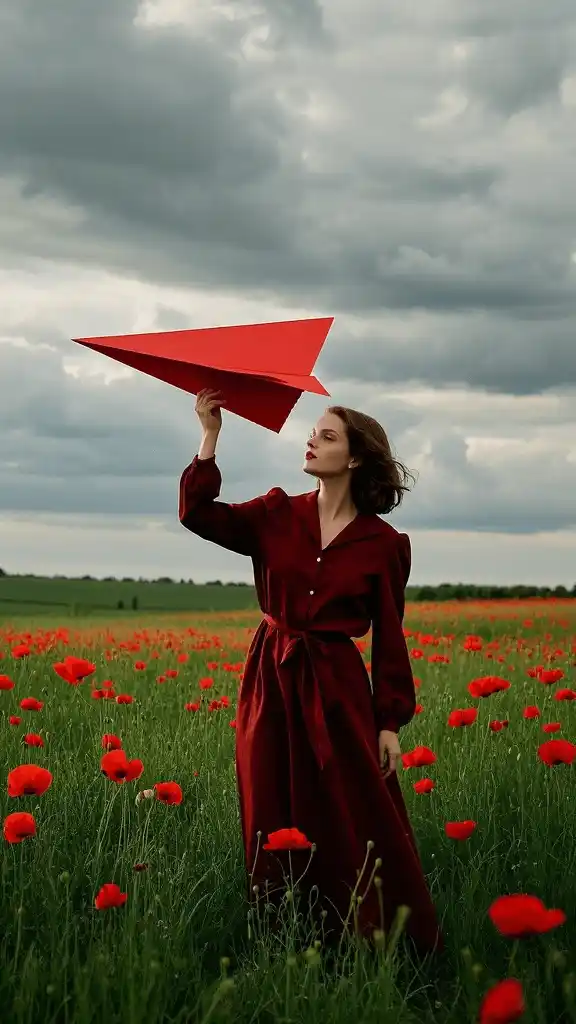
A woman in a dark red retro dress stands on a green field grass, holding up a huge red paper airplane. The grass is dotted with red poppies, and the background is a gray and white cloudy sky. The composition is very dynamic and symbolic. The picture style combines conceptual fashion and visual poetry, with strong color contrast, expressing the theme of flying, dreams and freedom, with a surreal and movie texture.
Make Same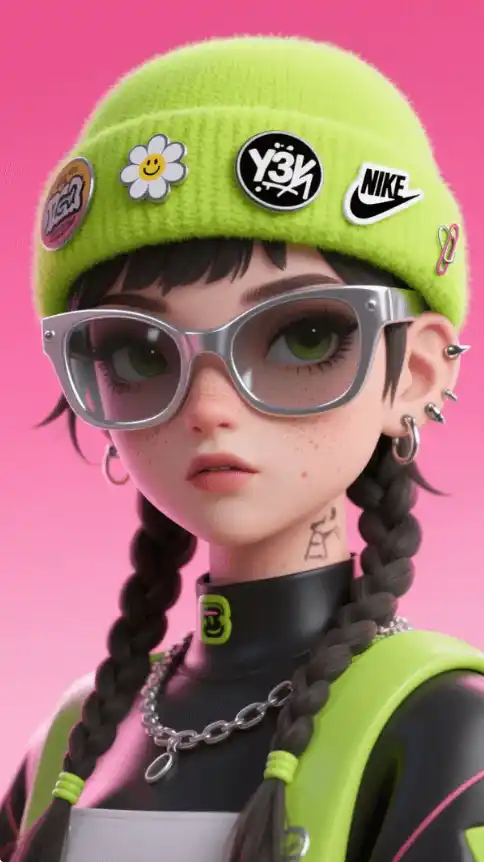
A 3D-style virtual trendy character portrait featuring braided hair, freckles, an eyebrow piercing, and a cool expression. The character wears futuristic silver oversized glasses and a fluorescent green woolen hat decorated with multiple badges, including a smiley flower badge, a black-and-white graffiti badge, and a Nike safety pin, adding hip-hop elements. The portrait is a half-body shot with a magenta gradient background. The style is clean and minimalistic, with delicate lighting and next-gen rendering texture. The visual aesthetic blends Y3K style with designer toy influences, showing attitude and a virtual-idol vibe, centered composition.
Make Same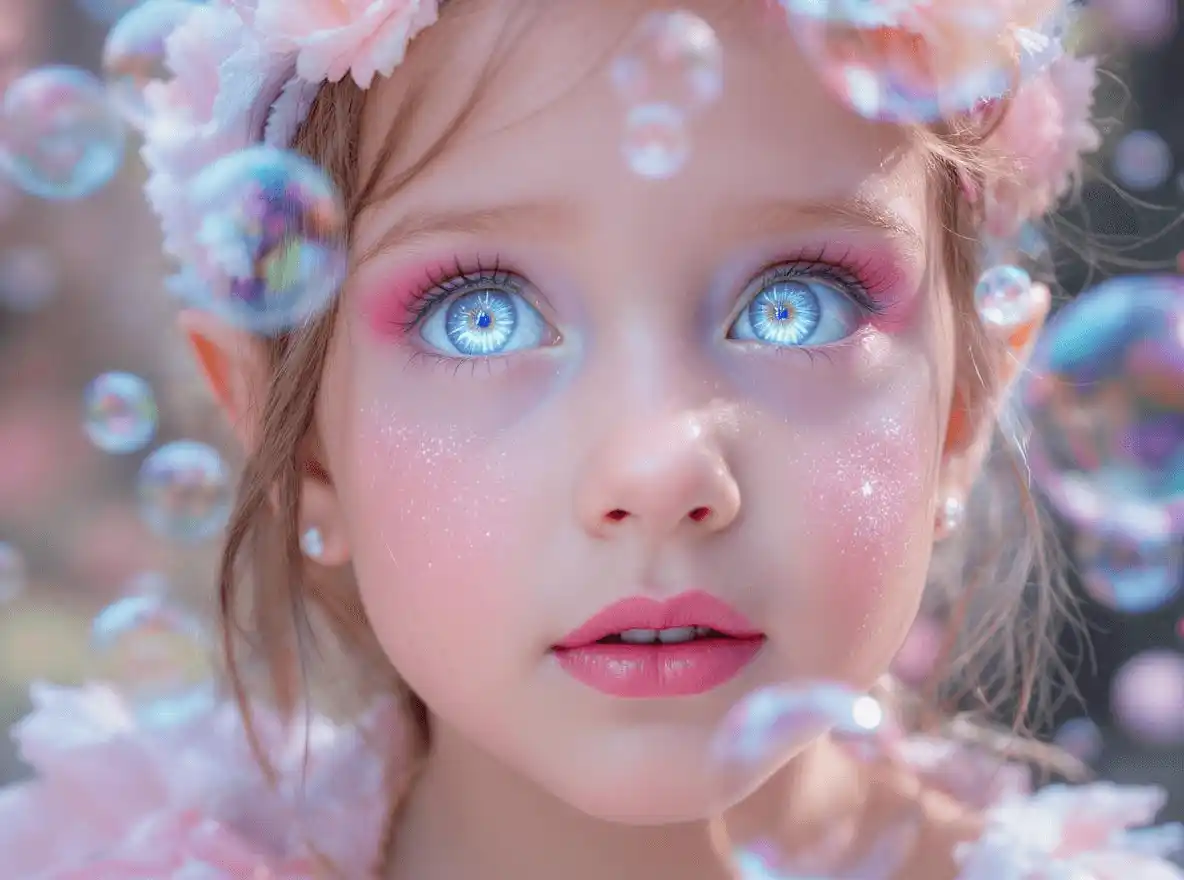
Mainly pink, light blue and other soft tones, create a high saturation color atmosphere. Use a soft focus lens to create a dreamy and hazy feeling. In the close-up of the face, the girl's skin shows a delicate texture. Her eyes are shining with a smart light, as if hiding countless little secrets. Surrounded by colorful bubbles, showing the girl's playfulness and cuteness. The overall style is full of childishness, like an elf walking out of a fairy tale world.
Make Same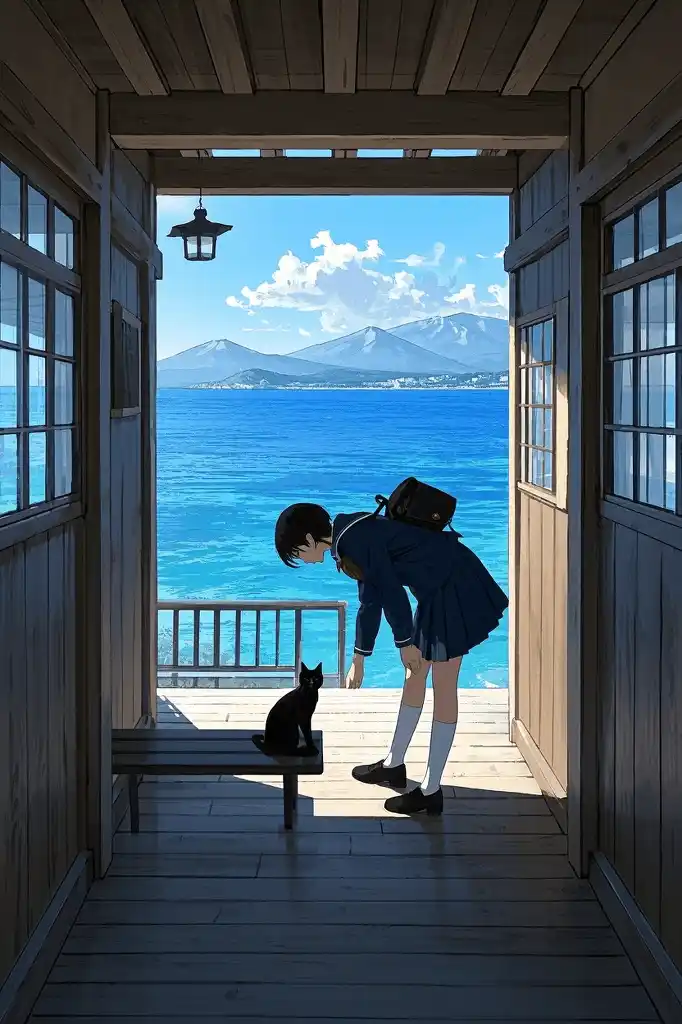
A Japanese female student in a dark sailor suit, carrying a schoolbag, bends down gently and looks at a black cat standing on a wooden bench. The scene is set in a long and narrow corridor. The symmetrical wooden walls and roof beams outline the frame of the picture. The background is a calm blue sea and distant mountains. The picture is backlit, and the characters and cats form silhouettes. The overall atmosphere is quiet, poetic, with a strong sense of white space, the composition is symmetrical, and the picture is minimalist. It is inspired by the styles of Makoto Shinkai and Rinko Kawauchi, and has the texture of movie film.
Make Same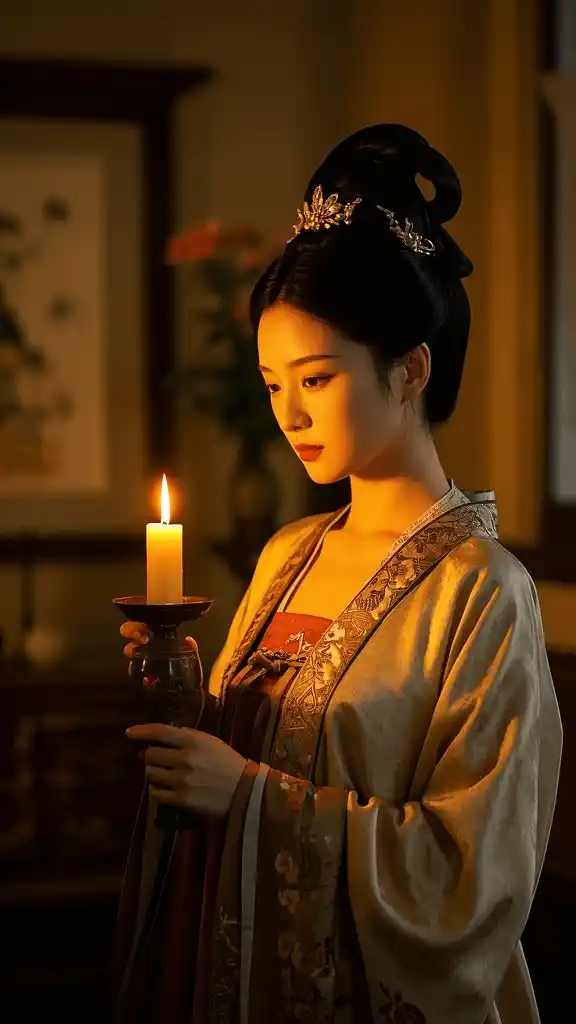
An oriental woman wearing a traditional Chinese embroidered robe, holding a lit candle in a dim room, the soft candlelight illuminates her face and the gold thread pattern on her lapels, forming a Rembrandt-style light and shadow effect of light and dark, the background is a deep dark space, and Chinese wooden decorations can be vaguely seen, the composition is quiet and picturesque, the atmosphere is like the art scenes in Zhang Yimou and Wong Kar-wai's movies, full of oriental poetry and emotional tension.
Make Same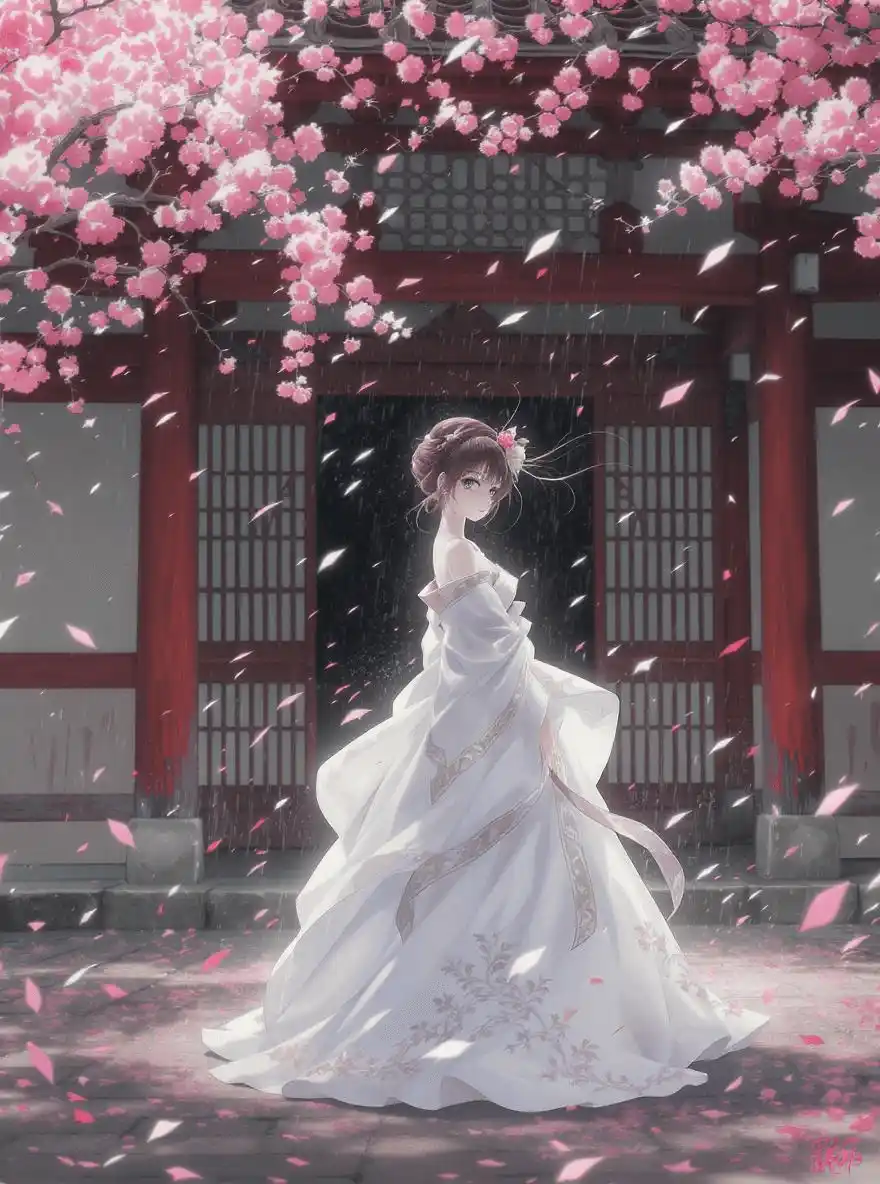
The type is Japanese illustration style. The main subject of the picture is a Japanese-style bride girl, and the mid-ground composition shows her standing image. The girl stands in a Japanese courtyard, which is full of cherry trees. Pink and white cherry blossoms are falling one after another, like a romantic flower rain. The overall color tone is mainly red, pink and white, creating a warm and romantic atmosphere, while some green leaves are matched to add vitality to the picture. The background is blurred to highlight the scenery of the cherry trees and the courtyard, and further highlight the beauty and elegance of the girl. The girl's hair and clothes flutter in the wind, and the cherry blossom petals are also flying around her, showing a dynamic blur effect, which enhances the beauty of the picture. Use delicate brushstrokes and soft colors to depict the elegance of the Japanese style and the shyness of the girl. The picture style is similar to the scene illustration style of Spirited Away, full of Japanese mystery and romance.
Make Same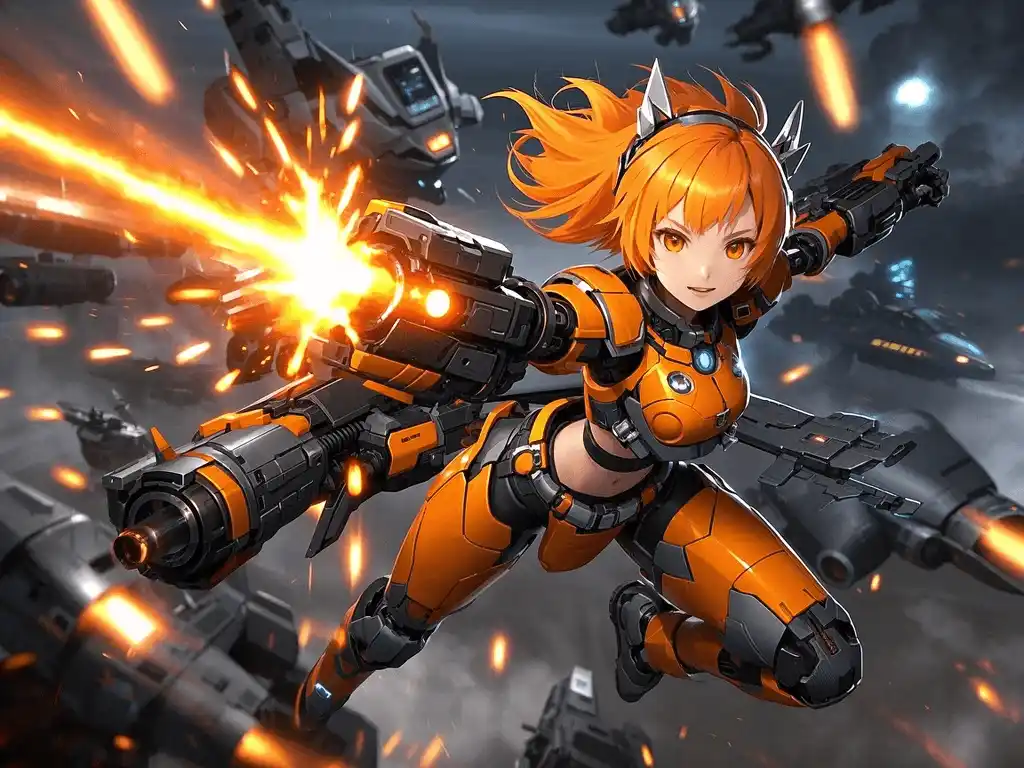
Energetic orange-haired girl with spiky hair & golden sun-like eyes, wearing an engraved orange mecha suit with jet thrusters. Wields an energy gun on a futuristic battlefield. Dynamic battle scene with laser fire, flame jets & explosive sparks. Warm orange tones contrast against high-tech metal, creating intense sci-fi visuals. Close-ups emphasize tech details. CG-style shock & awe.
Make Same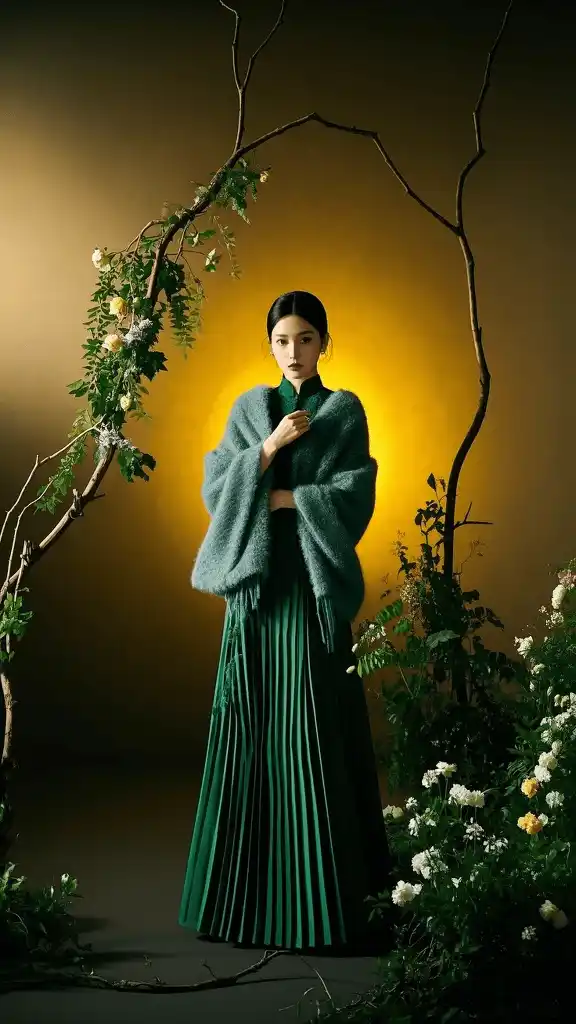
An elegant woman wearing a green pleated long skirt and a dark top, wearing a gray-green plush shawl, her posture is as elegant and expressive as dancing, one hand covering her face, the other hand coming out from below, the giant plant installation winding in front of the picture surrounds her body, flowers and branches are intertwined, the background is a theater-like space with warm yellow lights, the style combines fashion photography, oriental installation art and surreal theater performance, the picture is full of poetry and structural tension.
Make Same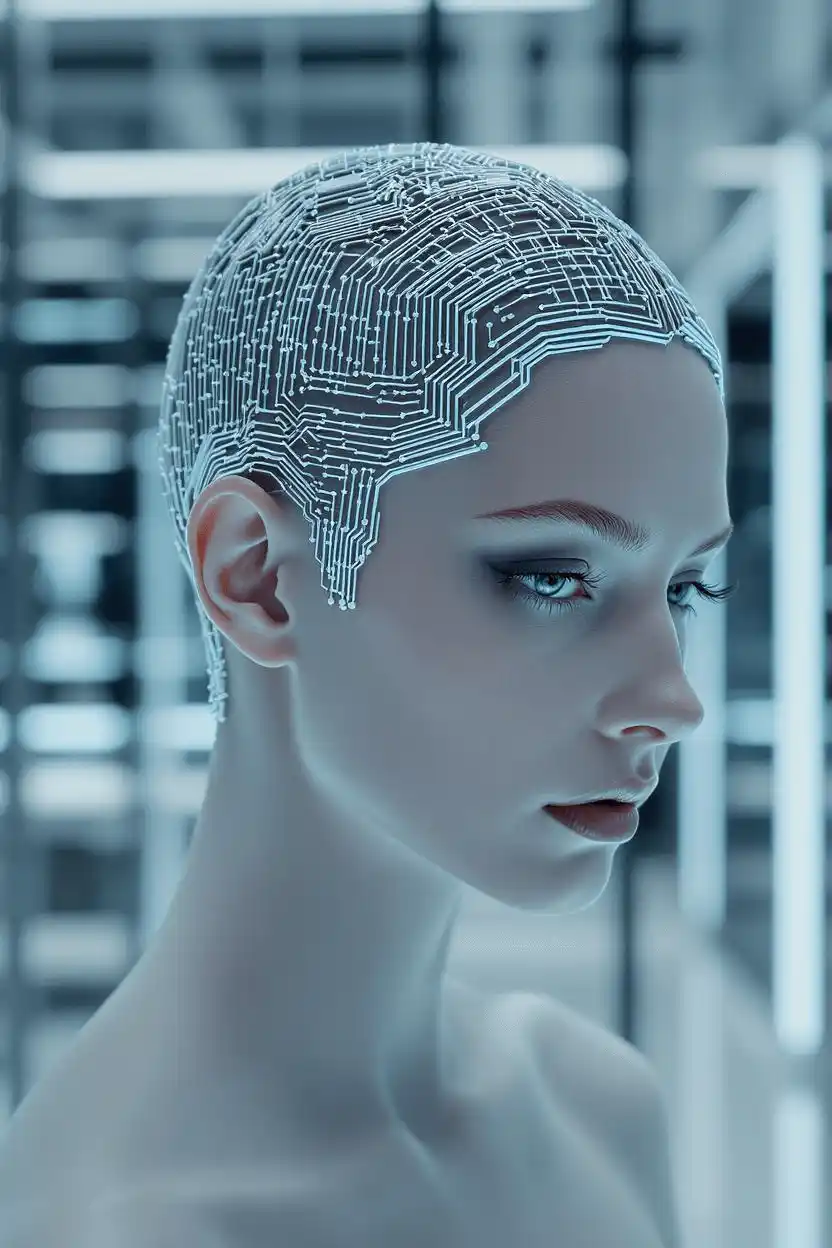
Digital loop hair net, silver-white metal wire woven circuit texture half covers the scalp, futuristic sense of technology, inspired by chip microstructure, reference designer Iris van Herpen, the model's image is cold and sharp, with her head slightly lowered and looking at the ground, shot with extremely cold white flat light, reference photographer Nick Knight's mechanical future style, close-up center, cold metal tone
Make Same

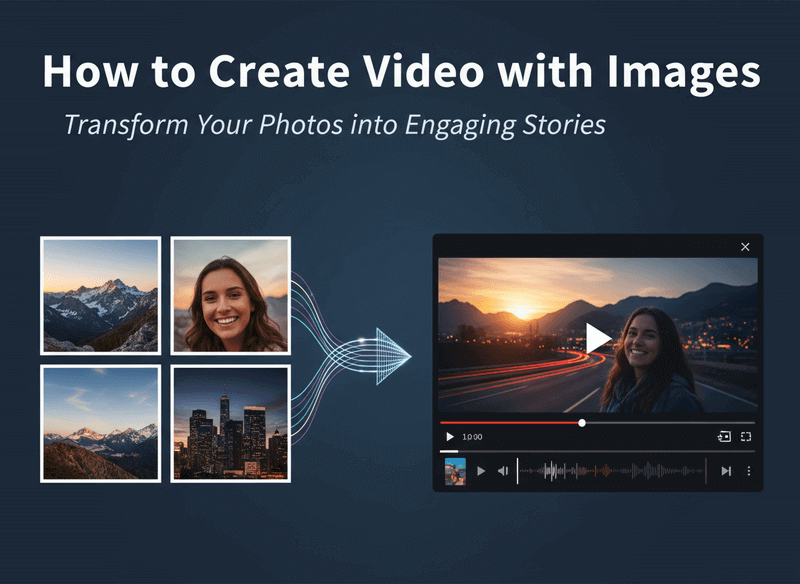
Upload one image, describe the motion, and generate a short AI video in three simple steps.

Start with a clear JPG or PNG photo, product shot, portrait, character image, or AI-generated visual.

Write what should move, how the camera should behave, and which details ChatArt should preserve from the original image.

Create your AI video, then download the clip for social posts, product demos, ads, or creative projects.

Start with a single photo, portrait, product shot, or AI-generated image. Add a prompt to guide movement, camera direction, mood, and details so the final clip stays closer to your intent.
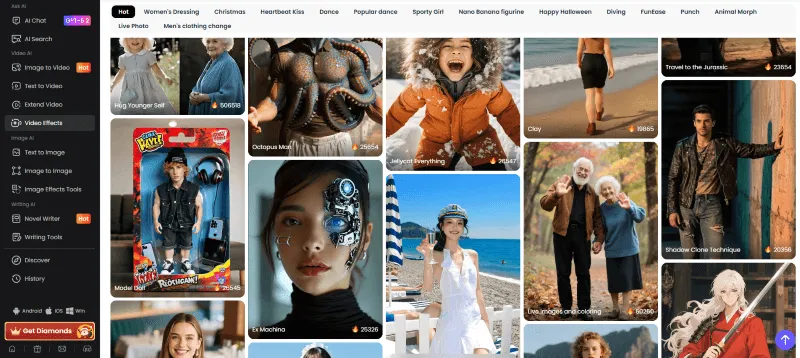
Use image-to-video effects for portraits, pets, products, fashion images, character scenes, and visual ideas. Effects are useful when you want a quick social clip without writing a detailed prompt.


A clear subject, simple background, and specific prompt help ChatArt create more natural movement. Use it for lifelike portrait motion, product previews, ads, and polished visual clips.
Turn the same source image into different kinds of short clips: a social post, product teaser, portrait motion, character scene, or quick visual concept.

Better prompts usually describe motion, camera behavior, mood, and which visual details should stay consistent.
Slow camera push-in, natural eye movement, soft hair motion, warm cinematic light, keep the face and identity consistent.
Rotate the product slightly on a clean background, add soft studio reflections, keep the logo sharp, make it suitable for a short ad.
Add drifting particles, gentle background depth, smooth parallax camera movement, preserve the original composition and character details.
Choose the workflow based on what you already have.
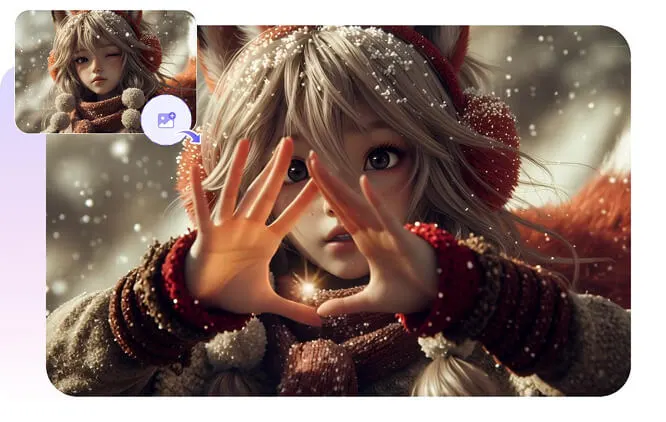
Best when you already have a photo, product shot, character image, or AI-generated image and want the subject to stay visually consistent.
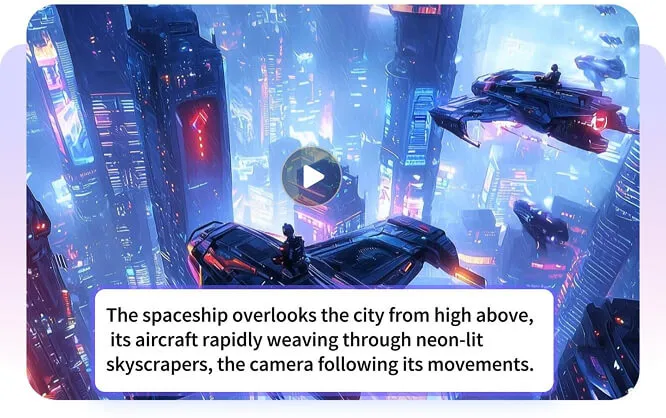
Best when you only have an idea, scene, or script and want ChatArt to create the full video from text.

If you do not have a source image, create one with ChatArt AI Image Generator, then animate it here.

Eki Larsen
Blogger
The best investment I made this year. I first bought the 500 diamond version and then the infinite diamonds version. This app helps me with everything. Now, thanks to the new feature that allows me to animate images (which I create from scratch with the same app) and with a little graphic design and video editing, I create animated pins to promote my blogs. All the tools are fantastic.

Ryo_Tech
Vlogger
Over 300 templates and constantly updated features like dance and special effects—amazing! It really helps me stay on trend when posting on social media.

Mika_88
Office Worker / Facebook User
I made a video using my friend’s photos, and it was a huge hit! The quality is impressive, and there are so many image-to-video styles—from funny edits to stylish looks.

Kenji_Vlog
YouTuber
The video quality is incredibly clear, with smooth and natural motion. Even without editing skills, I can produce professional-level results—it truly expands what’s possible in video creation.
Yes. Upload one image to ChatArt's image-to-video tool, choose a style, write a short motion prompt when you want more control, then generate a video from the photo.
Describe the motion, camera movement, mood, and important details you want to preserve from the uploaded image. A specific image-to-video prompt usually gives ChatArt more control than a template-only generation.
Yes. Use the prompt to describe the action, camera movement, mood, and visual details that should stay consistent. Clear direction usually works better than a vague prompt.
Use image to video when you already have a photo, product shot, portrait, or AI image that should stay visually consistent. Use text to video when you want ChatArt to build the whole scene from a written idea.
Yes, ChatArt image-to-video clips are useful for social posts, short-form videos, product demos, and ad concepts. Make sure your uploaded image and final use comply with ChatArt's terms and any rights attached to the source image.
Results depend on the source image, prompt, selected style, and motion complexity. A clear subject, simple background, and specific motion prompt usually produce better image-to-video results.
Use a clear image with a visible subject, enough background space, and minimal blur. Product shots, portraits, pets, character images, and AI-generated visuals usually work well when the motion prompt is specific.
ChatArt lets users start from the online image-to-video generator. Available trials, credits, and export options may depend on the current plan inside ChatArt.
Yes. You can create or refine an image with ChatArt image tools, then use the image-to-video workflow to animate it with motion prompts and effects.