Kling 4.0 creates 30-second videos with stereo audio, supports 15 multimodal references and gives you 10-keyframe control to shape your story. Try Kling 4.0 on ChatArt now.
Kling 4.0 is the latest AI video model from Kling AI (Kuaishou), officially launched on October 15, 2026. It generates up to 30 seconds of video in a single pass from images, video clips and text. Compared with Kling 3.0, it doubles the maximum length, adds up to 10 keyframes and 15 reference assets, keeps fast motion more stable and outputs two-channel stereo audio.
On ChatArt, Kling 4.0 sits next to Seedance 2.5, Veo 3, Wan 3.0 and other leading models — one account, one workspace. Every video can be used commercially and downloads with no watermark.
English, Chinese, Japanese, Korean, Spanish, French, German and more
Prompt length
Up to 3,600 characters on ChatArt
Usage rights
Commercial use, no watermark
WHAT'S NEW
Kling 4.0 Features
Five upgrades that matter when you are making real videos, not just short clips.
00:0000:30
2× longer than Kling 3.0
Generate Up to 30 Seconds in One Take
Kling 4.0 generates up to 30 seconds in a single pass, twice the 15-second limit of Kling 3.0. Fit a beginning, middle and end into one continuous shot — no stitching, no jump cuts.
Keep the bottle, box or logo consistent with product references and land on a clean hero shot.
Short Film Scenes
Tell a full beginning, middle and end in one 30-second take, with the same characters throughout.
Social Cuts
Make vertical 9:16 clips for TikTok, Reels and Shorts that hold attention past the first second.
Talking Videos
Create characters who speak with stereo sound and natural lip sync, in English, Japanese, Korean and more.
Explainer Videos
Walk viewers through a product or idea, using keyframes so each step lands exactly on time.
Music-Led Montages
Cut action to the beat, then add a soundtrack with AI Music Video.
PROMPTS
Kling 4.0 Prompt Examples
Watch the result, then start from the same prompt in one click.
15.1s · 9:16
Honey Bottle Ad
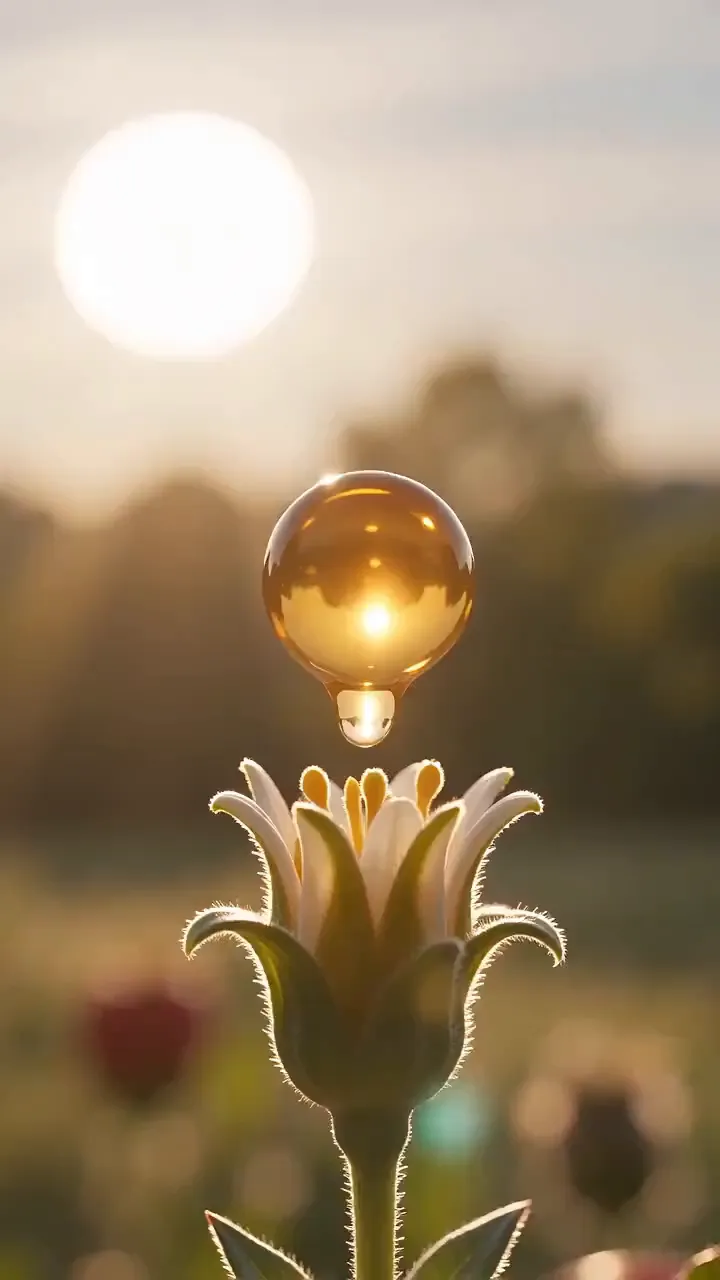
Vertical 9:16, 24fps, 15 seconds. Vibrant golden ingredient Money Shot, flower-to-honey visual journey, no people, macro natural textures, high-energy but controlled studio transitions. Use image 1 as the exact bear-shaped honey bottle. Preserve molded bear face and body, translucent plastic, golden fill, label, narrow neck, and dark-blue ribbed cap.0-2s | Nectar macro: a single golden nectar droplet rests on a flower stamen in warm sunlight; camera circles slowly.2-4s | Golden release: the droplet expands into a controlled cloud of amber liquid ribbons and tiny pollen-like particles, never explosive or messy.4-6s | Bottle emergence: the exact filled bear bottle rises from the amber cloud, molded face and label forward, condensation-free plastic catching rim light.6-8s | Source detail: macro cuts of honeycomb cells, one clean honey strand, and the bottle's molded paws and ribbed cap.8-10s | Real opening: hands-only shot unscrews the dark-blue cap from the threaded neck; no flip-top is invented.10-12s | Pour proof: bottle tilts and one slow golden stream pours from the open neck onto a spoon, then cleanly stops.12-15s | Hero: recapped bear bottle centered with restrained honeycomb geometry behind it and one amber light halo.Audio: soft liquid stretch, cap twist, pour, warm ambient rise. Negative Prompt: flip cap, squeeze nozzle, changed bear face, fruit bottle, multiple flavors, bees swarming, sticky mess, faces, subtitles, watermark.
A continuous one-shot sequence: rapidly zoom the camera out at extremely high speed with dynamic motion blur, ensuring smooth transitions that follow natural zoom progression. First, reveal a top-down view covering an area of 100 km. Once the previous frame shrinks out of sight, continue zooming out through thick layers of clouds to reveal a 1000 km view. After the prior frame disappears, show the entire country or continent. Finally, when the last frame becomes invisible, reveal the entire Earth and end the sequence. The Earth should remain stationary (no rotation).
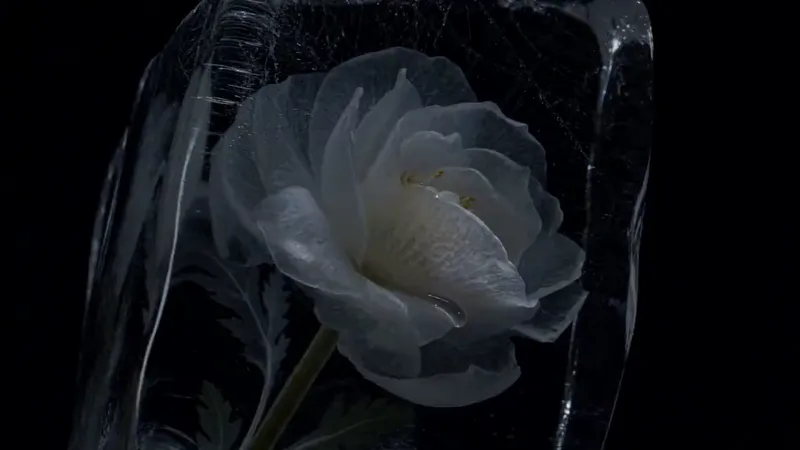
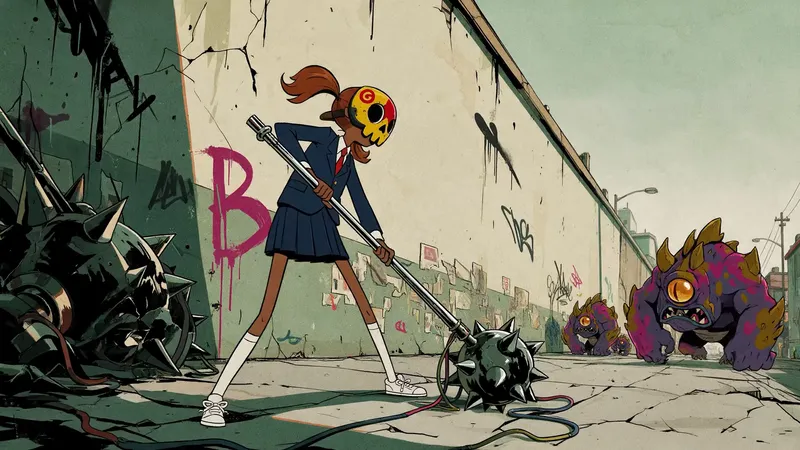
The subject remains completely still as its entire body disintegrates into a massive cloud of gray ash, filling every corner of its form. Slowly, the wind rises, carrying both the subject and its fragments away. One by one, they vanish into the void, leaving behind only an eerie silence and an overwhelming sense of absence. The space once occupied by the body is now empty, echoing the silence of its loss.
Kling 4.0 is Kling AI's newest video generation model, launched on October 15, 2026. It creates up to 30 seconds of video in a single pass from images, video clips and text, with up to 10 keyframes, up to 15 reference assets and two-channel stereo audio. You can use it on ChatArt in your browser.
What is the difference between Kling 4.0 and Kling 3.0?
Kling 4.0 doubles the maximum length to 30 seconds, supports up to 10 keyframes instead of only a start and end frame, accepts up to 15 references instead of 7, adds 10-bit HDR and 21:9 output, and upgrades audio from single-channel to two-channel stereo.
How long can a Kling 4.0 video be?
Kling 4.0 generates videos from 3 to 30 seconds in a single pass, twice the 15-second limit of Kling 3.0. On ChatArt you can generate the full 30 seconds, and use Video Extension when you need an even longer clip.
Does Kling 4.0 generate audio?
Yes. Kling 4.0 generates two-channel stereo audio in the same pass as the video — sound effects, ambience and dialogue — with more accurate lip sync across languages and accents. Describe the sounds you want at the end of your prompt.
What aspect ratios does Kling 4.0 support?
Kling 4.0 supports 16:9, 9:16, 1:1 and 21:9. Use 9:16 for TikTok, Reels and Shorts, 16:9 for YouTube and websites, 1:1 for social feeds and 21:9 for a cinematic widescreen look.
Can I use Kling 4.0 for image-to-video?
Yes. On ChatArt, open Image to Video and select Kling 4.0. Use frames-to-video mode to animate between up to 10 keyframes, or reference mode to build a scene from up to 15 files — up to 10 images and 5 videos.
How do I write a good Kling 4.0 prompt?
Write it in beats. Describe the subject, then what happens at 0–10s, 10–20s and 20–30s, add the camera move and lighting, and end with the sounds you want. Put any exact dialogue or on-screen text in quotes.
Can I use Kling 4.0 videos for commercial projects?
Yes. Videos you make with Kling 4.0 on ChatArt can be used in commercial projects such as ads, product videos and client work, and they download with no watermark. See our Terms & Conditions for details.
Maximize your content creation with ChatArt. Each diamond unlocks powerful tools designed to enhace your content creation. Below is the diamond requirement for each tool.
Special Templates
Diamonds Used
SEO Checker
10
AI Detector
20
Plagiarism Detection
20
Universal Article Writer
20
SEO Article Writer
30
Article Creation - Essay
20
Generate images from chat
6/image
Modify images from chat
6/image
Text to Image with Standard Definition 1K
6/image
Text to Image with Ultra HD 2K
10/image
Image To Image
6/image
Remove Background
2/image
AI Enhance
8/image
Video Effects
16/video
Image to Video
16/video
Text to Video
16/video
Extend Video
24/video
Remove passersby
3/image
Remove watermarks
3/image
Remove text
3/image
Edit Image By Description
3/image
Change Background
3/image
Change Clothes and Colors
3/image
Image Coloring
3/image
Magic Effects
3/image
AI Music
16/song
AI MV Generation
2/s
Use ChatArt on All Platforms
iOS & iPadOS
Scan to download the ChatArt iOS app and get your AI assistant on the go.






 00:00
 00:08
 00:12
 00:30