





Smarter Ways to Generate Images Through ChatGPT and More AI Chat

5 mins read
Ever since ChatGPT introduced the ability to generate images during AI chat process, it’s hit the public again. But ChatGPT often fails to deliver a seamless experience.
 Question
Users frequently encounter the frustrating message while trying to generate image in chatting: “Processing image — Lots of people are creating images right now, so this might take a bit. We'll notify you when your image is ready.”
So how do you use ChatGPT to generate images through conversation? What can you do when ChatGPT fails to generate image in AI chat? Find answers here.

What You’ll Learn:
ChatGPT – AI Chat-Based Image Generator
GPT-4o, developed by OpenAI, is the latest multimodal AI model that allows users to generate and edit images during AI conversations. Compared to the elder DALL•E model, GPT-4o offers major improvements in accuracy, realism, and detail in image generation.
1 How to Generate Images with ChatGPT


 Tips:
Tips:The more specific your prompt (style, lighting, subject, etc.), the better your results.
Limitations of ChatGPT’s Image Generator
- Free users can only generate 3 images per day
- Unlimited access requires a $20/month subscription
- Frequent "server busy" errors cause frustrating delays in image creation

ChatArt – The Best Alternative for AI Chat Image Generation & Editing
If ChatGPT’s limitations are holding you back, it’s time to try ChatArt.ChatArt—a powerful, stable, and multi-functional AI tool that supports image generation and editing directly within AI chat. Besides, it offers more AI tools like AI writing, AI content detection, ChatGPT rewriter, etc


- Adcanced AI Image Creation: Powered by multiple cutting-edge algorithms, ChatArt offers both AI chat-based image generation and an advanced image creation tool.
- Versatile AI Image Features: Generate images from text or other images, remove image backgrounds, enhance details, and more — effortlessly.
- Advanced AI Image Generator: Choose from flexible sizes, formats, and creative styles. Preset settings make high-quality image generation fast and simple.
- Cross-Platform Access: Available on iOS, Android, Windows, and Web — ChatArt is your always-accessible creative companion.
Before creating image with ChatArt's AI chat, we can take a snap on the guidance!
1 How to Generate or Edit Images via Chat with ChatArt


Tips for Better Prompts:- Be specific: Include details like material, style, or lighting
- Pick the right aspect ratio (e.g. 1:1 or 16:9 for social media)
- Add creative tags like anime, realistic, cyberpunk, etc
- Use parameters like --chaos to control creativity levels
2 Get More Visual Control in ChatArts’s Advanced Image Generator
Prefer visual tools and preset styles instead of typing long prompts? Use ChatArt’s Advanced AI image Generator for an even easier experience. You can create posters, profile pictures, or use the image-to-image tool to recreate your images.
Here we take text-to-image as example:


3 Create AI Images Anywhere with the ChatArt App

TipsYou can customize size, upload reference images, and choose different AI models for the most tailored result possible.
Conclusion
While ChatGPT made waves by introducing in-chat image generation, its limitations make creativity feel… limited. If you're looking for a stable, real-time, and high-quality image generation experience inside chat, ChatArt is your go-to solution.
Create, refine, and elevate your visuals — smarter, faster, and better with ChatArt.
How to Make a TikTok Video: A Complete Step-by-Step Guide
Mastering AI Prompts: Create Breathtaking Couple Kissing Images & Videos
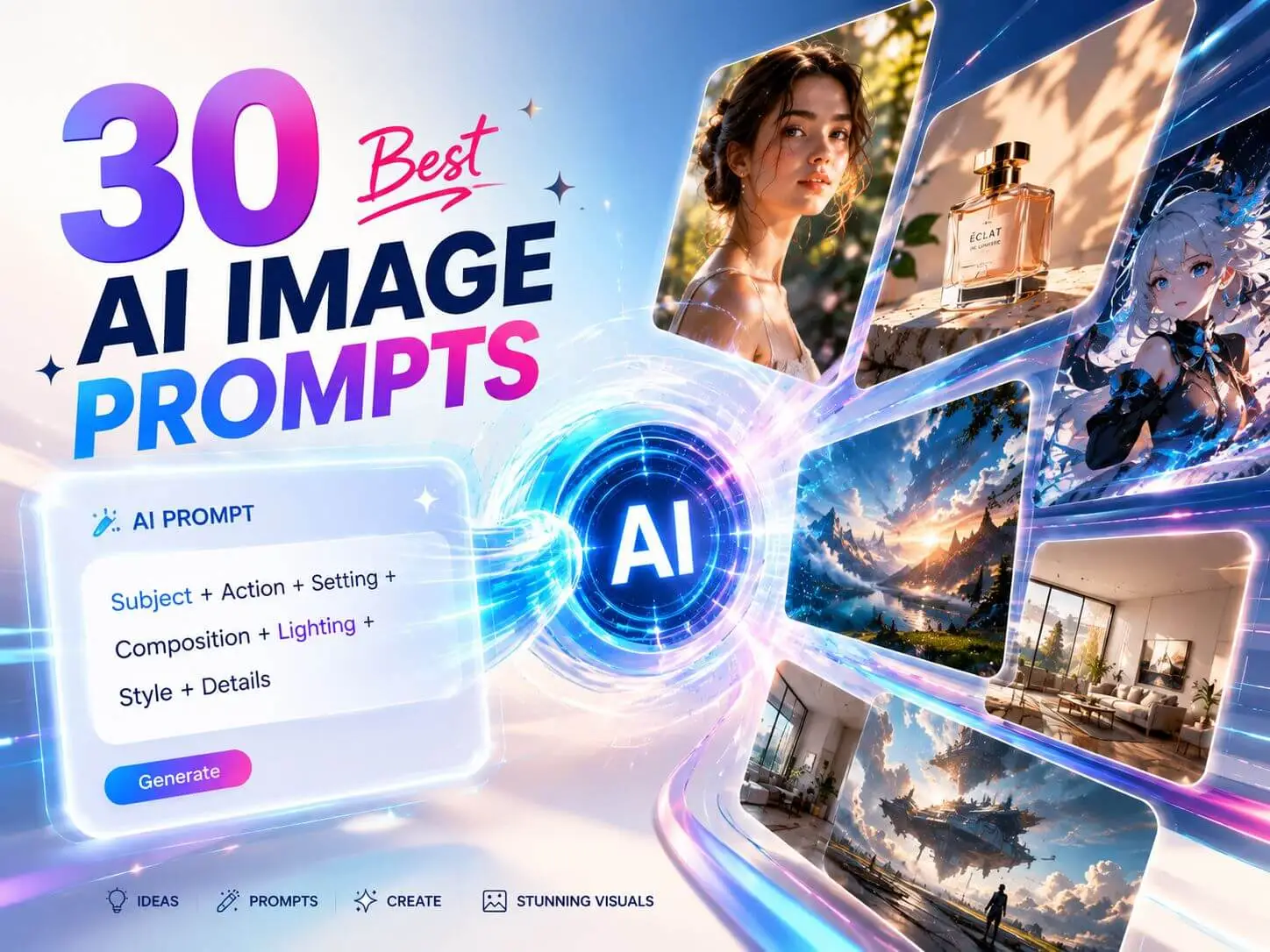
30 Best AI Image Generator Prompts to Copy and Customize