





20 Best AI Couple Photo Prompts for Romantic & Realistic Pictures


5 mins read
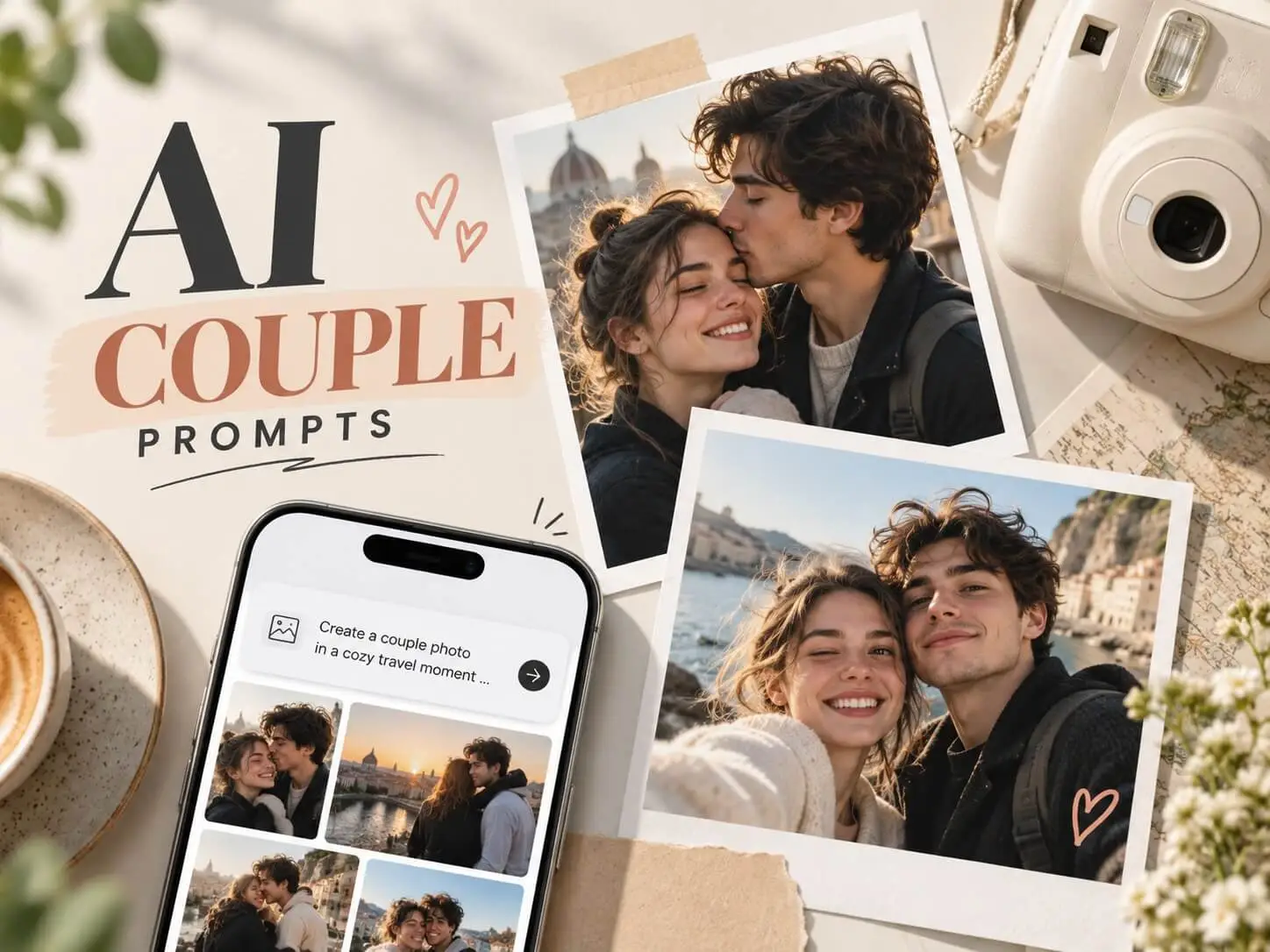
Want to create a romantic AI couple photo that actually looks like you and your partner? Here are 20 ready-to-use AI couple photo prompts for ChatGPT, Gemini, featuring realistic portraits, cute selfies, vintage Polaroids, and more.
Simply pick your favorite style, copy the prompt, and start creating. We'll also show you how to use your own photos as references and make your AI couple pictures look more natural.
In this article:
20 Best AI Couple Photo Prompts to Copy and Paste
From romantic sunsets to spontaneous selfies, these prompts cover different moods, poses, and photography styles.
Quick tip: Want to feature your actual faces? Upload a couple photo or two separate portraits to an AI tool that supports reference images. The prompts below include instructions to help preserve both people's appearances. Without reference photos, AI will create fictional characters.
1Realistic & Cinematic Couple Photo Prompts
Love photos that feel like genuine memories? Try these realistic couple prompts for natural expressions, cinematic lighting, and everyday moments.
Prompt 1: Golden Hour Couple Walk
Copyable prompt:
Prompt 2: Rainy Day Romance

Copyable prompt:
Prompt 3: Cozy Coffee Shop Date
Copyable prompt:
Prompt 4: Cinematic Night Portrait
Copyable prompt:
2Romantic & Wedding Couple Photo Prompts
Planning an anniversary surprise or dreaming of wedding-style portraits? These romantic AI couple prompts add a little magic to your favorite memories.
Prompt 5: Romantic Beach Sunset
Copyable prompt:
Prompt 6: Dreamy Garden Engagement
Copyable prompt:
Prompt 7: Elegant Wedding Portrait

Copyable prompt:
Prompt 8: Candlelit Anniversary Dinner
Copyable prompt:
3Cute & Casual Couple Photo Prompts
Not every couple photo needs a fancy setting. Sometimes, the sweetest pictures come from silly selfies and simple moments together.
Prompt 9: Cute Mirror Selfie

Copyable prompt:
Prompt 10: Cozy Couch Cuddles
Copyable prompt:
Prompt 11: Playful Grocery Store Date
Copyable prompt:
Prompt 12: Trending Couple Eyes Photo
Copyable prompt:
4Vintage & Polaroid Couple Photo Prompts
Want your pictures to look like treasured memories from another decade? These vintage-inspired prompts bring back classic film colors, grain, and nostalgic charm.
Prompt 13: Vintage Polaroid Couple Photo

Copyable prompt:
Prompt 14: 90s Flash Photography
Copyable prompt:
Prompt 15: Black and White Love Story
Copyable prompt:
Prompt 16: Retro Photo Booth Strip

Copyable prompt:
5Creative & Anime Couple Photo Prompts
Prefer something more imaginative? These prompts turn your favorite couple pictures into colorful illustrations and fantasy-inspired artwork.
Prompt 17: Romantic Anime Sunset

Copyable prompt:
Prompt 18: Dreamy Watercolor Portrait
Copyable prompt:
Prompt 19: Fairytale Couple Portrait
Copyable prompt:
Prompt 20: Cute 3D Cartoon Couple
Copyable prompt:
How to Create AI Couple Photos with ChatArt
Found a prompt you love? With ChatArt Image to Image, you can turn your favorite ideas into personalized couple pictures without complicated photo-editing skills.
Why choose ChatArt for AI couple photos?


- Multiple AI models: Explore available image models, including Nano Banana, GPT Image, and Seedream, to experiment with different visual results.
- Reference image support: Upload existing photos to guide the appearance, composition, and style of your generated images.
- Endless creative styles: Try realistic photography, romantic portraits, vintage effects, anime illustrations, and more with customizable prompts.
- Simple online workflow: Upload your photos, enter a description, adjust available settings, and generate your image in one place.
Ready to try it yourself? Just follow these three steps.
Visit ChatArt Image to Image and sign in. Select an image model that supports your preferred creation style and reference image requirements.

Upload an existing couple photo or two separate portraits if your chosen model supports multiple reference images. Copy a prompt from the list above, paste it into the description field, and customize the outfits, setting, or mood.

Choose your preferred aspect ratio and available quality settings, then click Generate. Check the faces, hands, and overall composition. If needed, adjust the prompt and try another version before downloading your favorite result.

Ready to see what you can create? Try ChatArt AI Image Generator and bring your favorite couple photo prompt to life.
How to Keep Both Faces Recognizable in AI Couple Photos
One common problem with AI couple photos is that the generated faces don't always resemble the original people. Sometimes the AI even blends two faces together.

To improve the results, start with clear, well-lit reference photos and follow these tips:
Use good reference photos: Choose pictures with visible faces, natural expressions, and similar camera angles.
Identify each person clearly: When using separate portraits, tell the AI which reference belongs to which person.
Avoid unnecessary changes: Ask the AI to preserve facial features and hairstyles while modifying the background, outfits, or overall style.
For two separate reference photos, try adding this instruction:
Face Consistency Prompt:
This can help the AI interpret your references, although exact facial consistency depends on the model.
Tips for More Realistic AI Couple Photos
Even a detailed prompt can produce unnatural results. Here are a few simple ways to improve your pictures.

- Faces look too smooth? Add "natural skin texture, subtle imperfections, realistic lighting" to avoid a heavily retouched appearance.
- Hands look distorted? Choose simpler poses, such as standing shoulder to shoulder, instead of complicated hand gestures.
- Expressions look awkward? Try "candid laughter, relaxed posture, natural interaction" for a more spontaneous feeling.
- Lighting looks artificial? Describe one believable light source, such as afternoon sunlight or soft window light.
Remember, more words don't always mean better pictures. A clear scene, natural pose, and consistent reference images often work better than overly complicated instructions.
FAQs About AI Couple Photo Prompts
1. Can I use these couple photo prompts in ChatGPT and Gemini?
Yes. These natural-language prompts can be adapted for ChatGPT, Gemini, and other AI image generators. Available image features and results may vary by model.
2. Can AI create a couple photo from two separate pictures?
Yes. Some AI image tools support multiple reference photos, allowing you to generate a picture featuring two people. Use clear images, specify each person's position, and review the results carefully. Always use photos you have permission to upload.
3. Are these AI couple photo prompts free to use?
Yes, all 20 prompts in this article are free to copy and customize. However, AI image generation may require credits or a subscription, depending on the tool you choose.
Conclusion
The best AI couple photo prompts don't have to be complicated. A natural pose, beautiful lighting, and a style that reflects your relationship can make an ordinary picture feel special.
Whether you prefer romantic beach portraits, cozy selfies, or nostalgic Polaroids, start with a prompt you love and make it your own. Use clear reference photos when you want to preserve your appearance, and experiment with a few variations to find the perfect result.
Ready to give it a try? Create your own AI couple photo with ChatArt and turn your favorite prompt into a picture worth keeping.
AI Image Generator No Restrictions? What to Know in 2026 | ChatArt
How to Make AI Product Videos from Photos: 5 Ideas and Prompts to Try

AI Product Photography: 12 Creative Ideas & Copyable Prompts