Image to Video
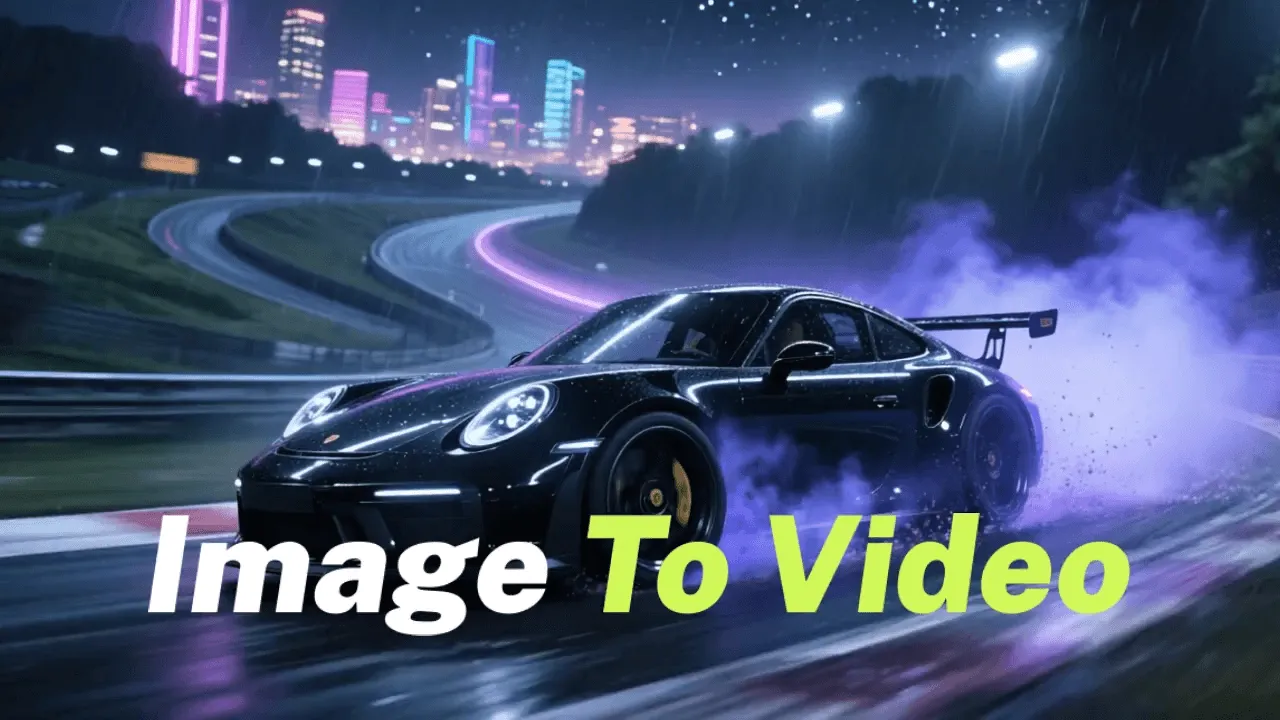
Turn motionless product photos, portraits, or visual ideas into dynamic AI video clips—ready for social posts, product demos, and ecommerce ads.
From flat product photos to full script scenes—pick the direct workflow that turns your raw assets into ready-to-edit motion.
Turn motionless product photos, portraits, or visual ideas into dynamic AI video clips—ready for social posts, product demos, and ecommerce ads.
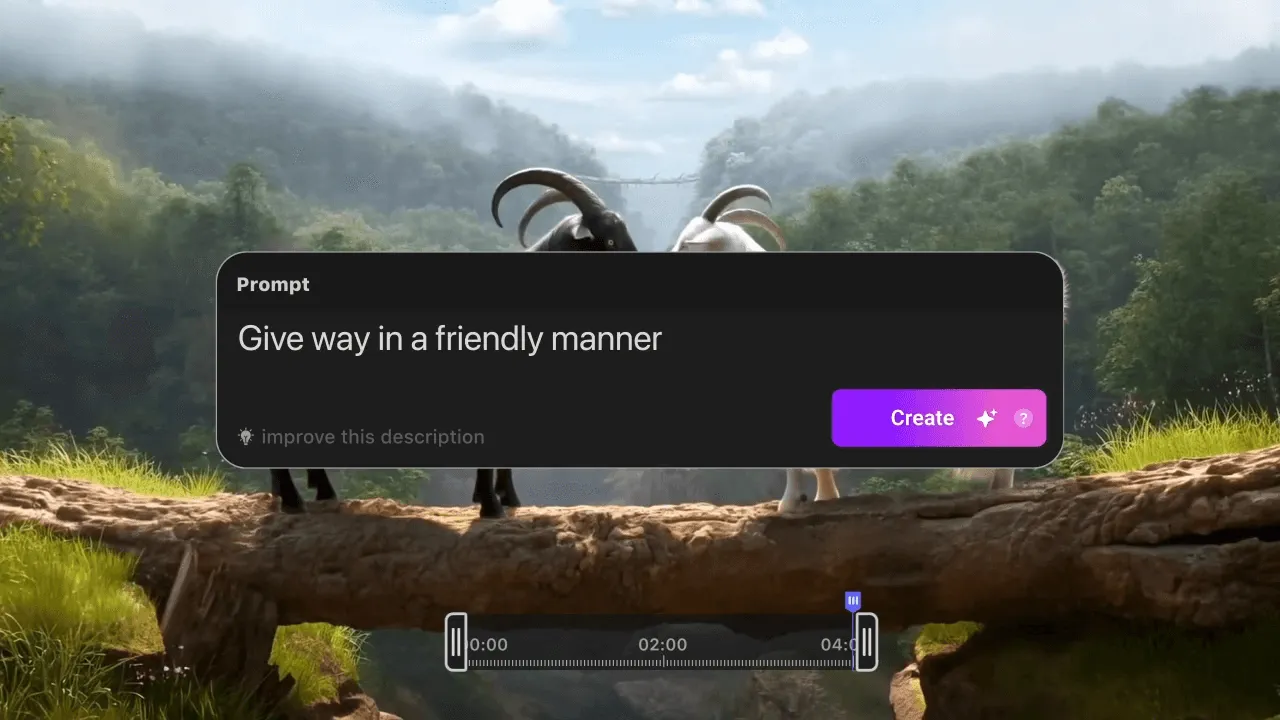
Transform prompts, script lines, scene ideas, or story concepts into usable AI video drafts without requiring any raw footage.
Lengthen tight video clips naturally so you have enough screen time and background footage for voiceovers, edits, and social posts.
Select your workflow, feed your source material, and let multi-model AI generate production-ready clips.

Select text-to-video, image animation, video extension, or visual effects based on your project goal.

Type a scene description, upload a static product photo, or drop a short clip as your source material.

Generate your video in seconds, fine-tune motion parameters, and download ready-to-use footage for your edits.
Apply visual AI effects to turn plain footage into attention-grabbing clips for social feeds, character scenes, and product showpieces.
Veo 3
Kling AI
Runway

Grok
Seedance
Seedance Mini
Seedance 2.5
Hailuo AI

Art Motion
PixVerse
Wan AI

HappyHorse AI

LoveAI
Vidu AI
More than just video. Create every asset your clip needs inside ChatArt without jumping between different subscription apps
Generate ideas through natural conversation.

Turn story ideas into professional-grade plots.

Create and refine visuals for your projects.

Generate visual assets for posts and ideas.

Draft captions, scripts, blogs, or emails.

Generate music for videos and ideas.

Common AI video generator questions
Yes, 100%! Simply sign up for a free ChatArt account—no credit card required—and you'll instantly receive bonus trial credits (diamonds). You can use these free credits to test our AI Video Generator immediately, as well as explore our full suite of AI creative tools including image generation, AI text detection, and writing assistants.
Absolutely zero video editing skills or technical knowledge are required. ChatArt is built specifically for creators, marketers, and beginners. You don't need complex software like Premiere or After Effects—just type a simple prompt or upload a photo, and our AI automatically handles camera movement, lighting, framing, and rendering in seconds.
Choose based on your starting material: Use Text-to-Video when you have a prompt, script, or scene concept in mind and want the AI to create visuals from scratch. Use Image-to-Video when you already have product shots, character photos, portraits, or artwork that you want to animate while preserving the original visual details and subject identity.
Generating an AI video from text is fast and straightforward: 1. Go to ChatArt's Text-to-Video workspace. 2. Enter a prompt describing your desired scene, movement, camera angle, and artistic style. 3. Select an AI model and frame ratio (such as 9:16 for portrait reels or 16:9 for landscape videos). 4. Click Generate to use your trial credits and produce your video draft in seconds.
Yes! ChatArt lets you animate static photos, portraits, e-commerce product shots, and artwork. Simply upload your image, optional prompt cues for camera motion (such as zoom, pan, or tilt), and ChatArt will intelligently apply fluid motion effects—perfect for high-converting product showcases and social posts.
ChatArt integrates multiple top-tier AI video models tailored for different creative needs: Cinematic & Photorealistic Models excel at human realism, dramatic lighting, and commercial-grade shots; Anime & Stylized Models are built for creative storytelling and artistic visuals; Fast Generation Models allow rapid prototyping of prompt ideas. You can easily switch between models in the studio to match your vision.
Yes, absolutely. ChatArt videos are optimized for TikTok, Instagram Reels, YouTube Shorts, Facebook, e-commerce stores, and digital marketing campaigns. Paid subscribers gain full commercial usage rights for all media created on the platform.
Yes! ChatArt is a complete, all-in-one AI creative workspace. Instead of paying for multiple separate subscriptions, ChatArt allows you to generate promotional copy, design social graphics, write video scripts, check AI content, and produce AI videos all within one seamless platform using your single account balance.
Your free welcome credits give you unrestricted access to experience all core AI tools across ChatArt. There are no locked feature paywalls during your trial—you can test Text-to-Video, Image-to-Video, AI Painting, Text Detection, and AI Copywriting to fully evaluate the platform before making any commitment.
Once your free trial credits are completely used up, you can purchase credit top-up packages or choose a subscription plan to continue creating without limits. Upgrading to a paid plan unlocks premium privileges including faster priority rendering, high-definition (HD/4K) video downloads, and full commercial licensing.