AI Video Generator
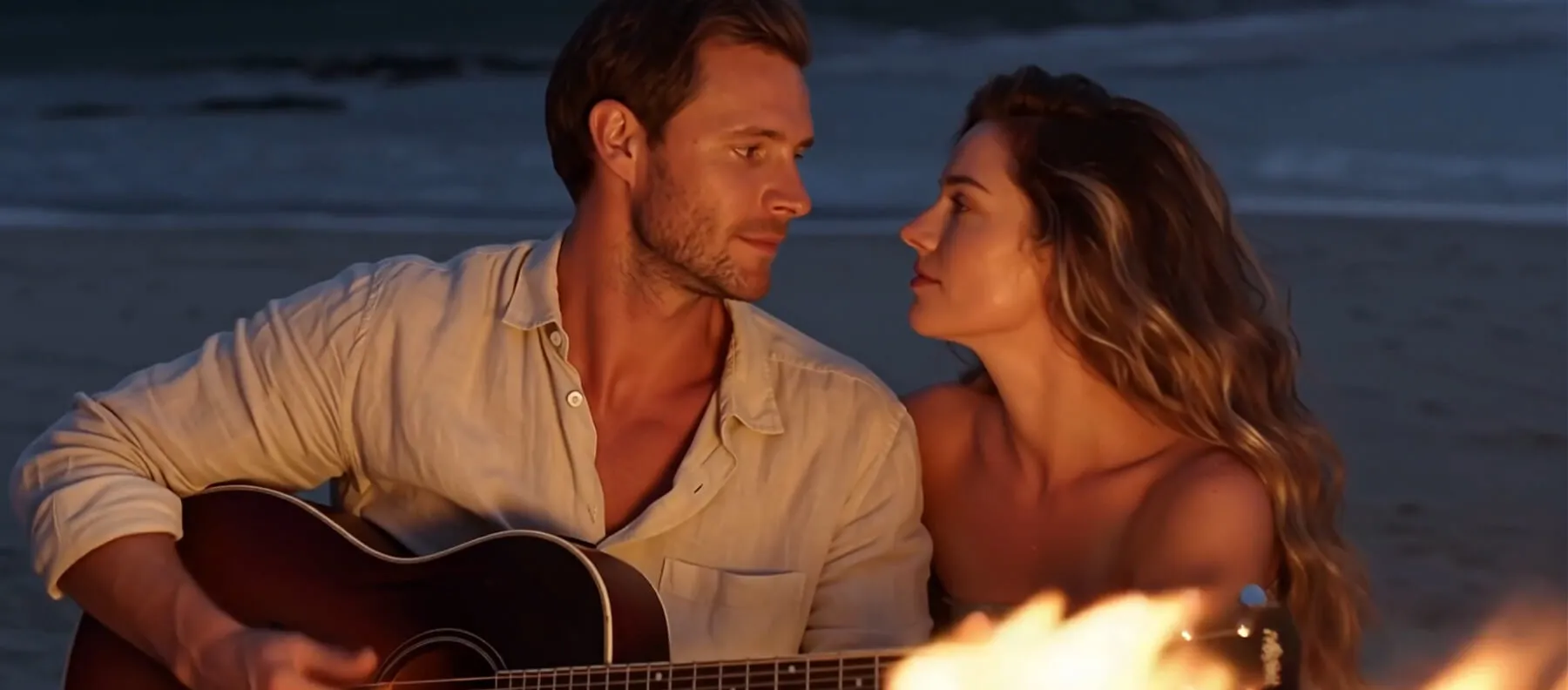
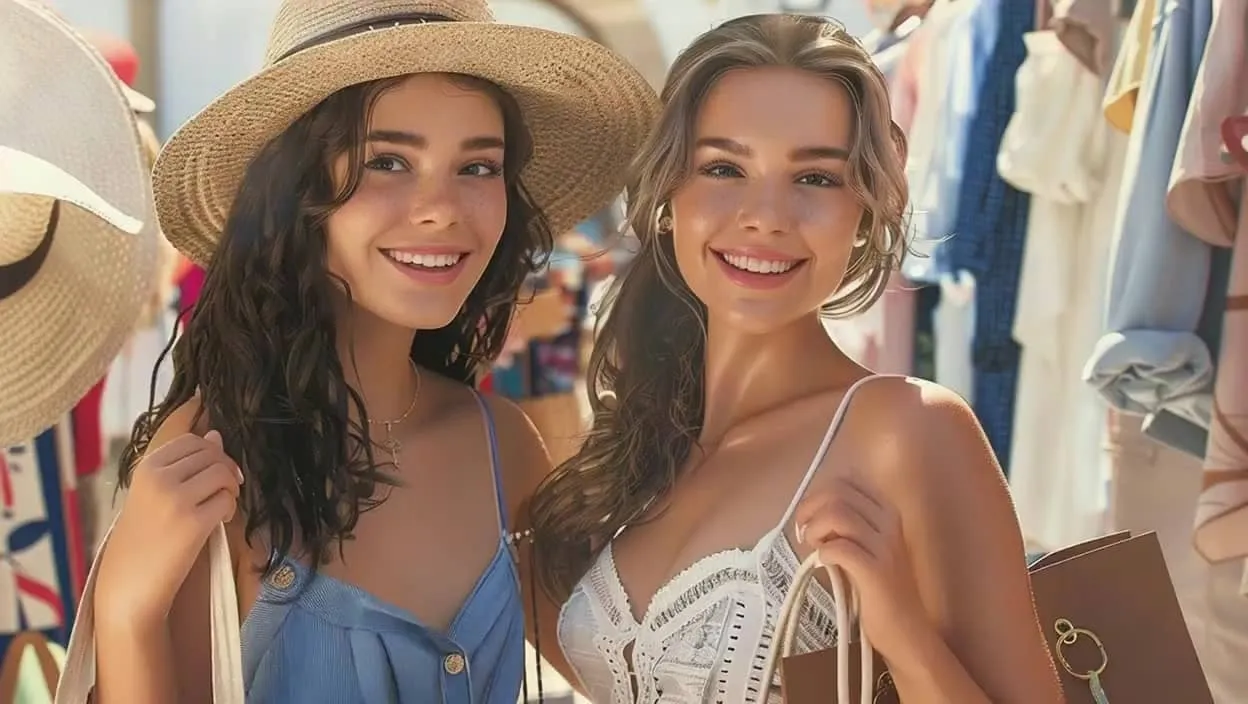
Turn text and static images into cinematic 4K videos. Effortlessly generate video clips for social media, storytelling, anime, ad campaigns, and marketing from simple prompts.
Generate Video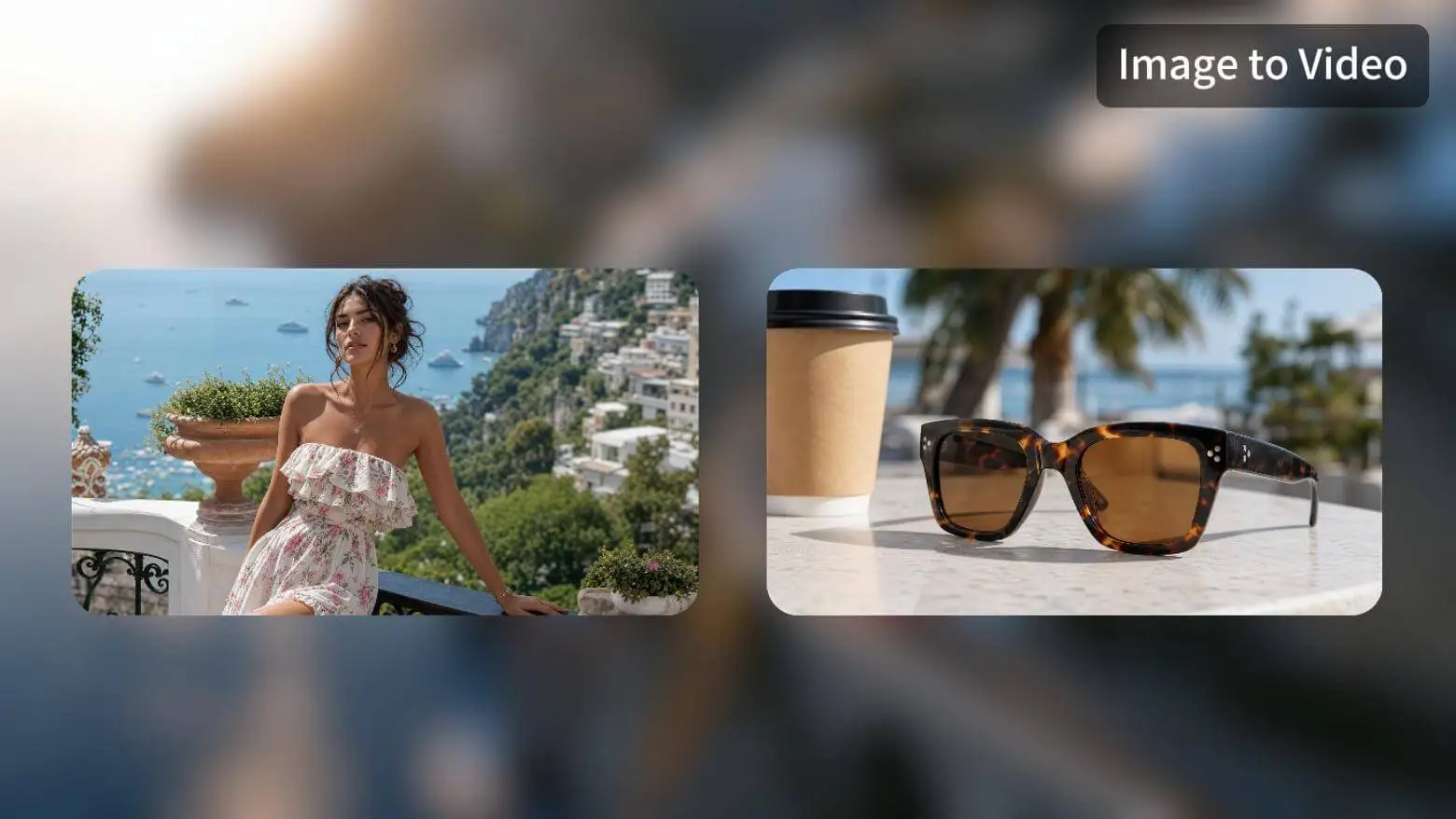


Move from raw ideas to finished content without switching apps. Create, refine, and automate with leading AI models, all in one seamless workspace.
Turn text and static images into cinematic 4K videos. Effortlessly generate video clips for social media, storytelling, anime, ad campaigns, and marketing from simple prompts.
Generate Video
Create high-quality visuals for social posts, marketing campaigns, product mockups, concept art, and digital illustrations with powerful, precise AI generation and editing tools.
Create Visuals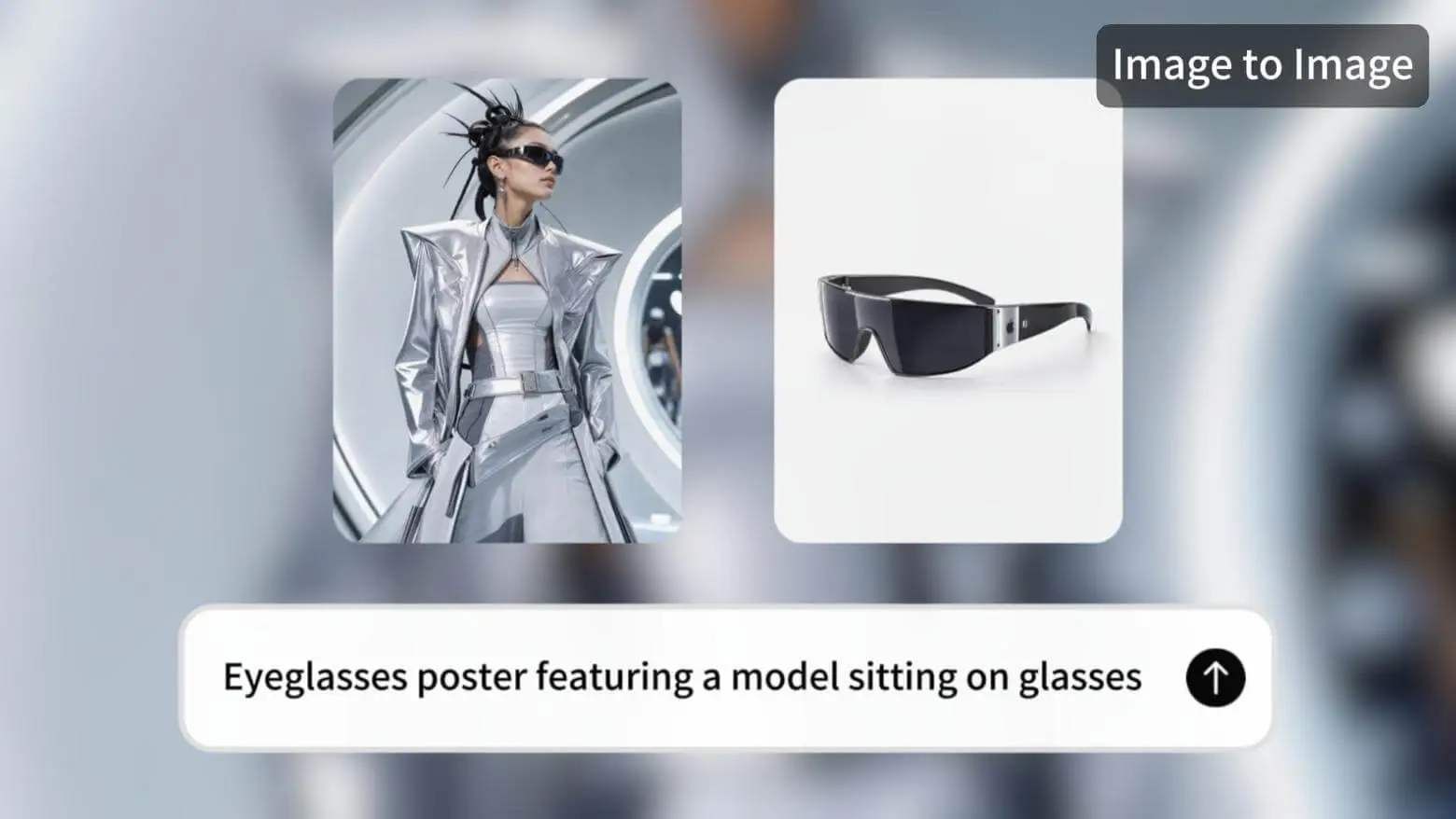
Compose original audio tracks, generate lyrics, and turn music into stunning AI music videos instantly. Transform raw beats into cinematic visuals in one continuous flow.
Create Music & Video
Develop ideas into structured long-form fiction and novels. Outline plots, build character arcs, draft full chapters, and refine your story with powerful AI writing tools.
Start Writing
Build complex AI visual workflows on an endless board. Link prompts, character references, generated images, and audio nodes into one connected workspace to map your complete vision.
Your autonomous creative agent that plans, executes, and refines complex content tasks automatically. It chooses the right AI tools and delivers finished creative assets hands-free.
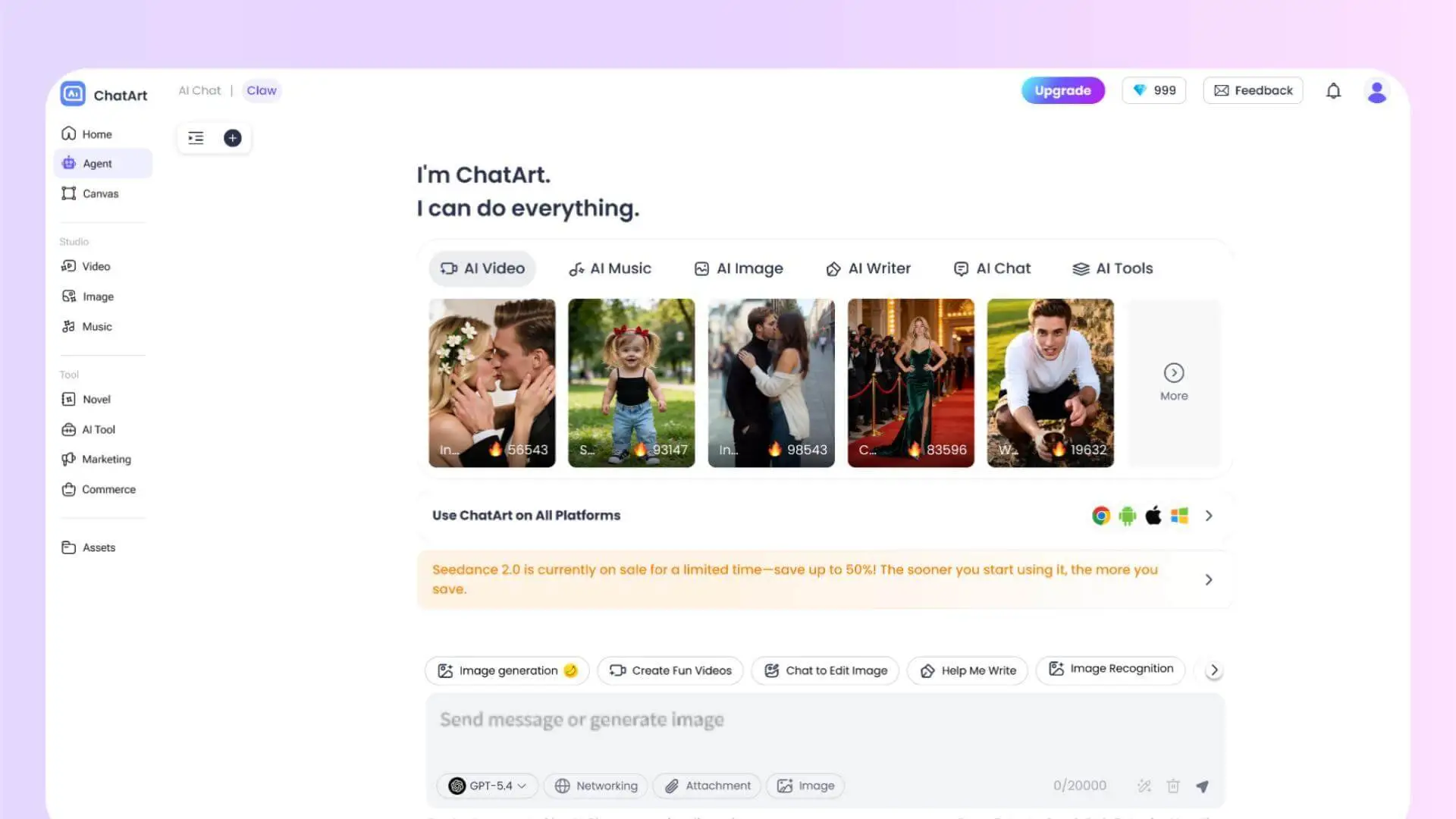
Brainstorm, research, and solve everyday tasks with leading conversational AI models. Seamlessly switch to specialized AI tools for rewriting, drafting, summarizing, and getting instant answers.
Add creative effects to your images and videos with a single tap. Instantly transform your visuals and elevate their impact.
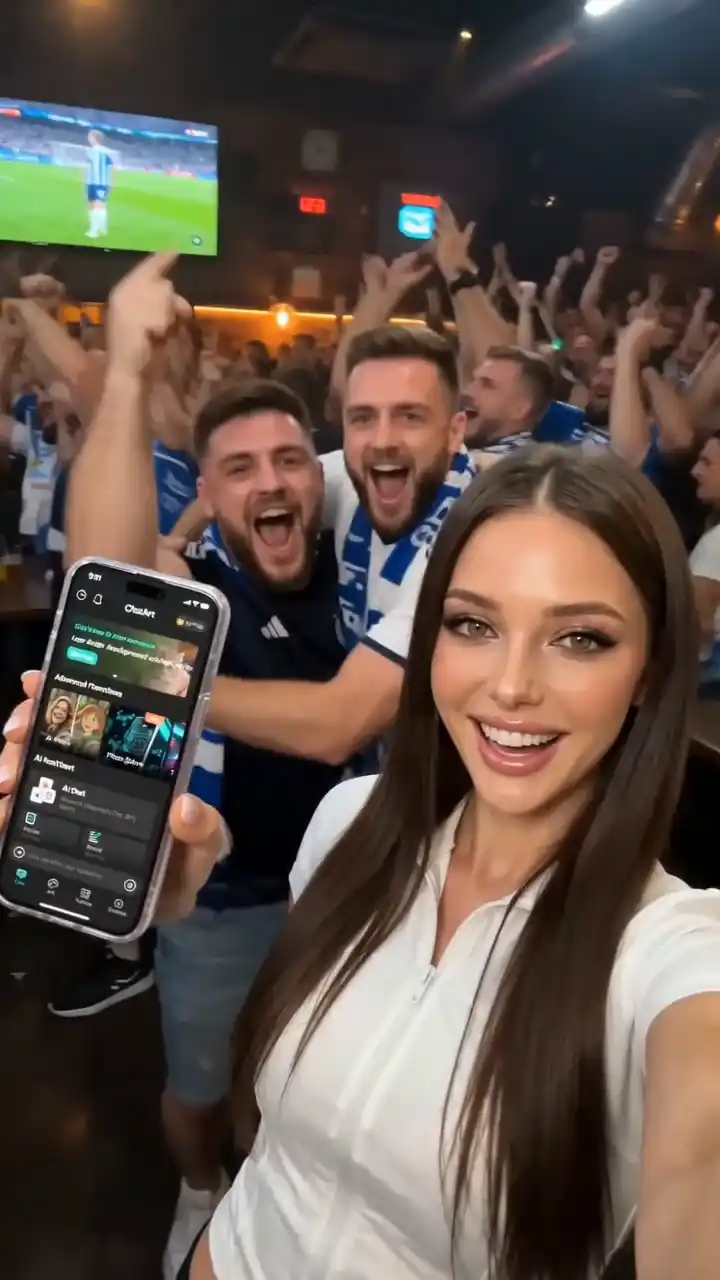 App UGC 2
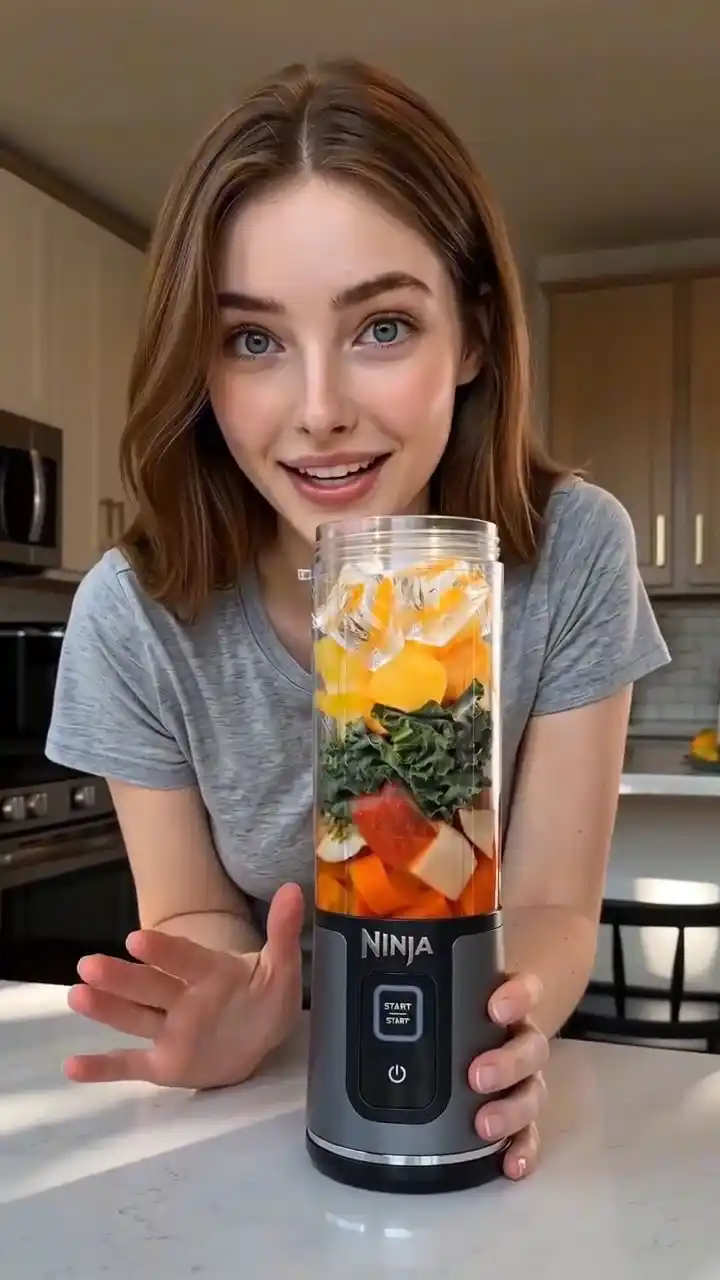 Portable Blender UGC
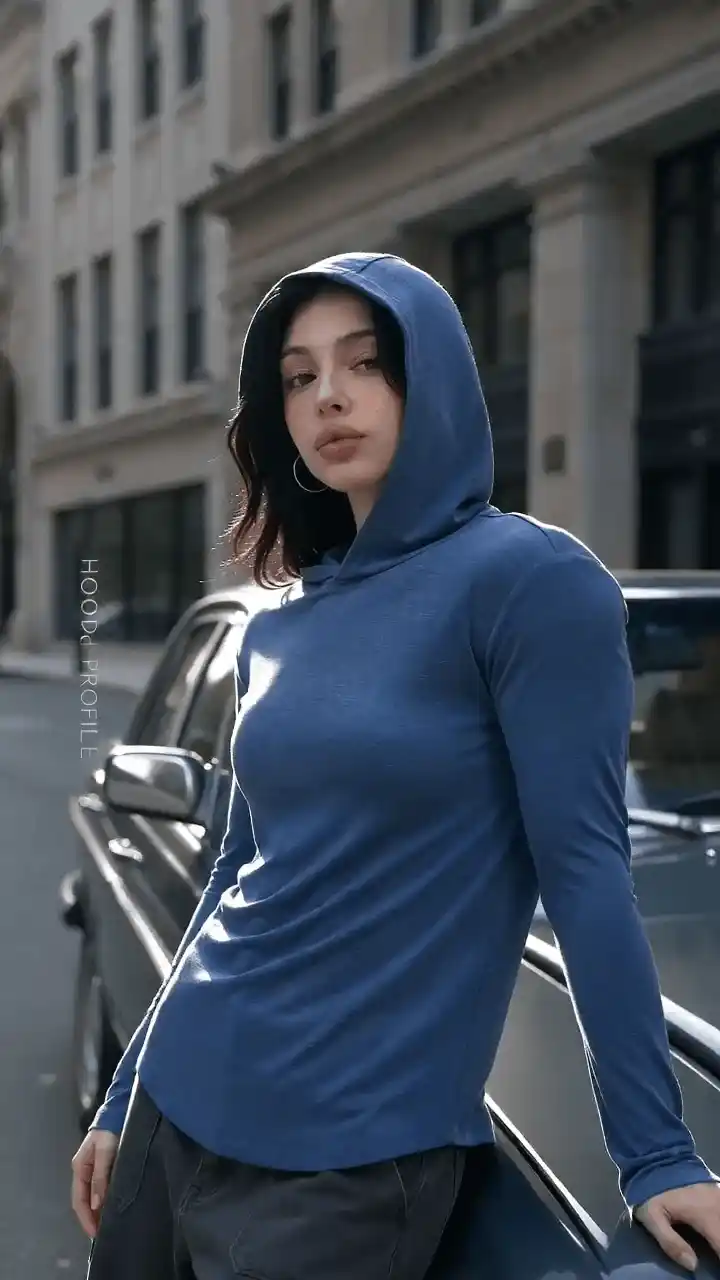 Hoodie Fashion Ad
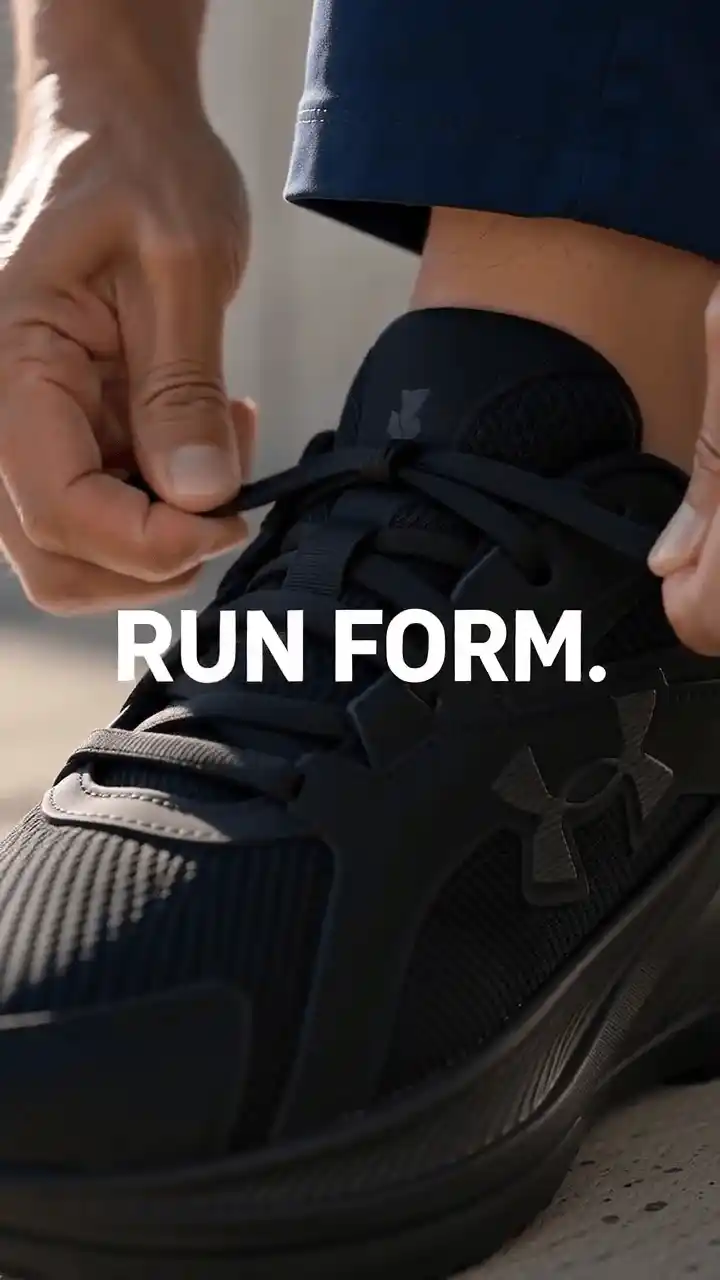 Running Shoe Ad
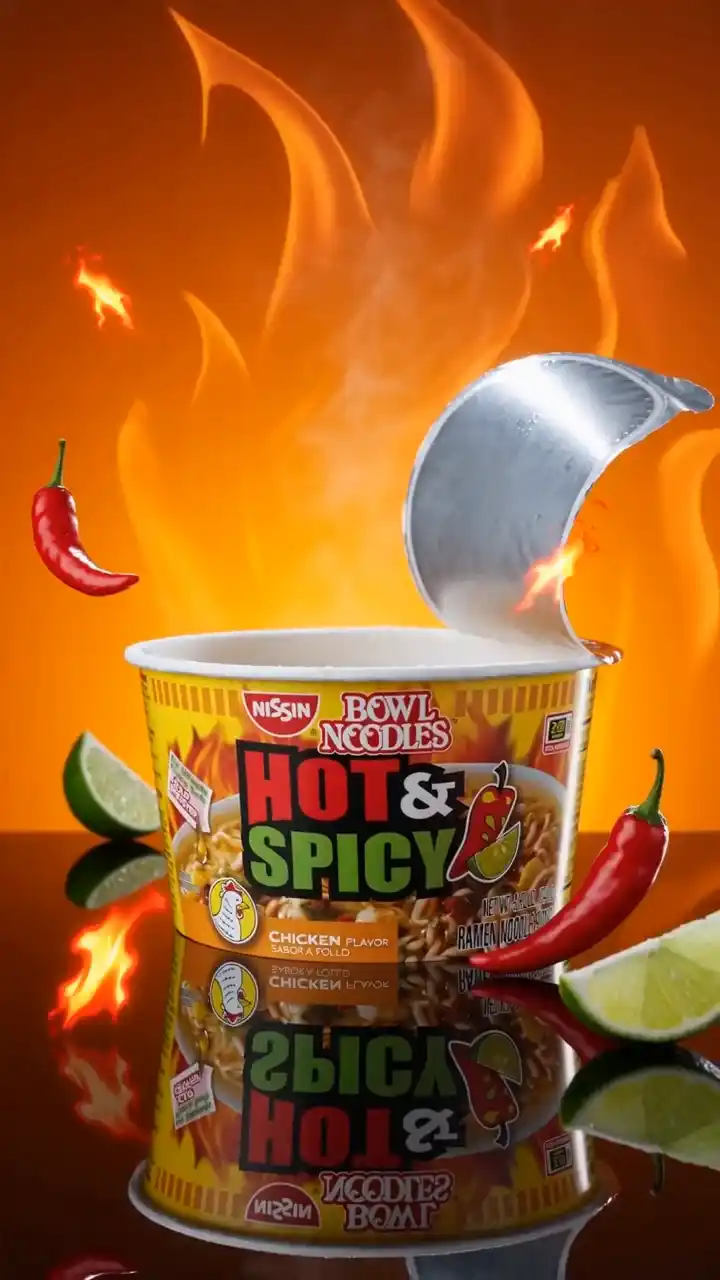 Spicy Noodles Ad
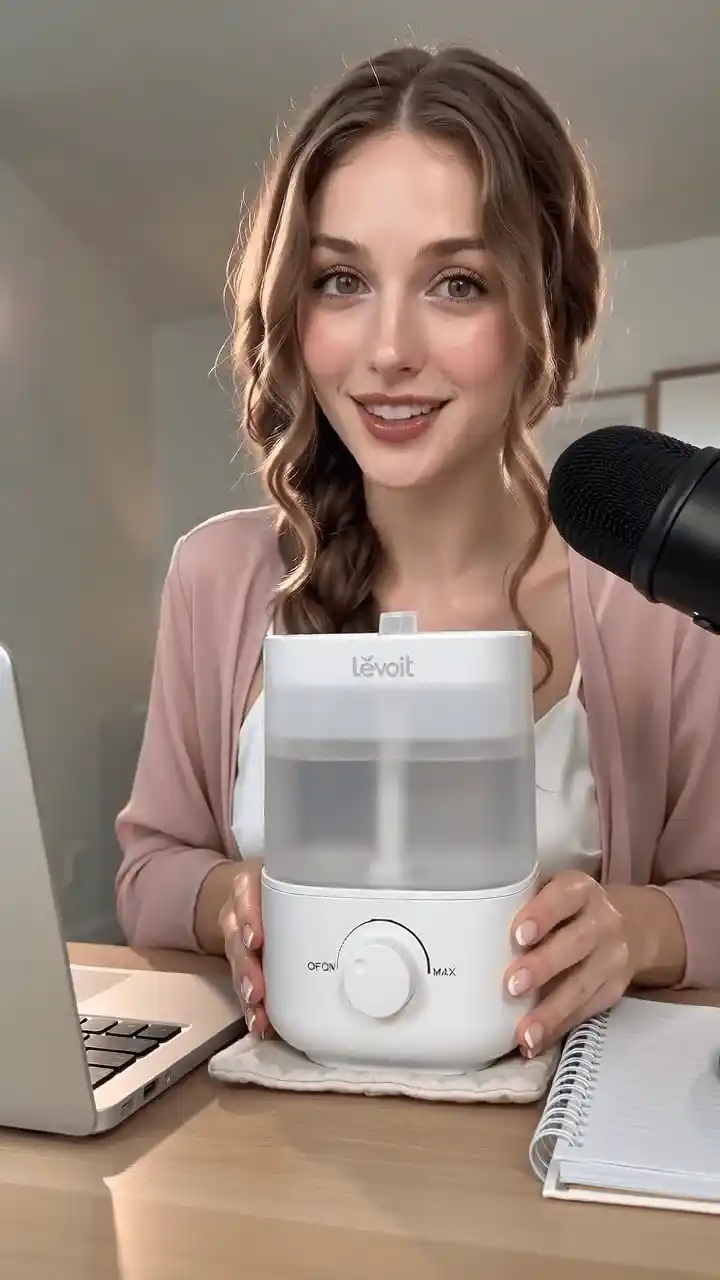 Desktop Humidifier UGC
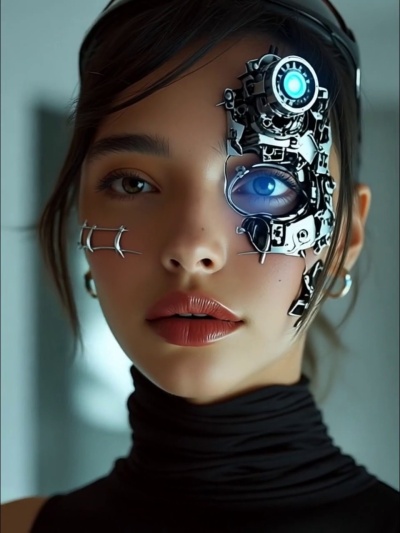 Cyborg Transformation

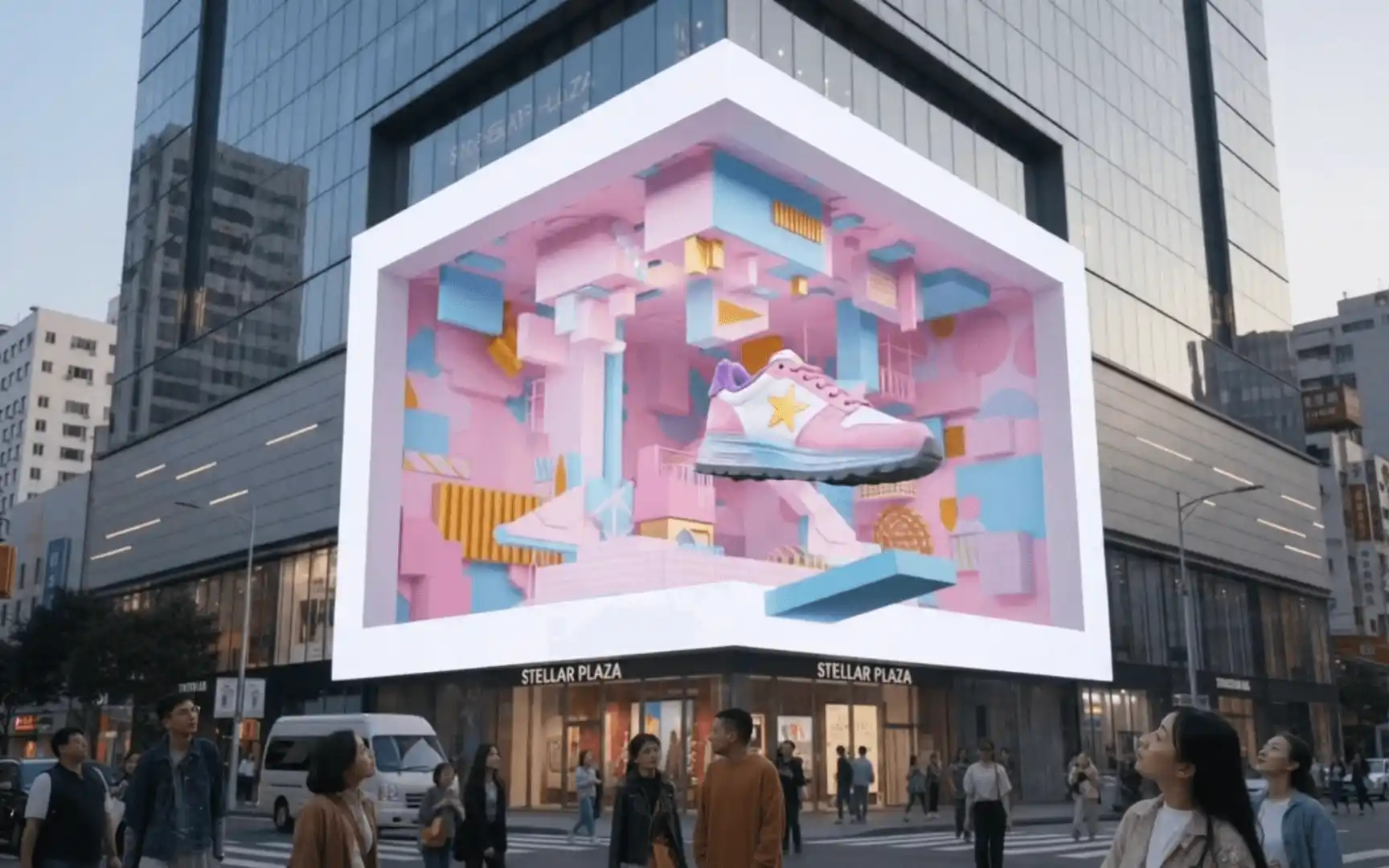 3D Naked-Eye Ad
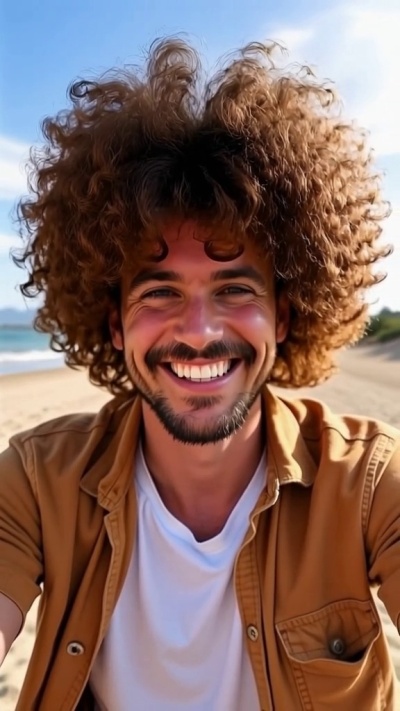 Curly Hair
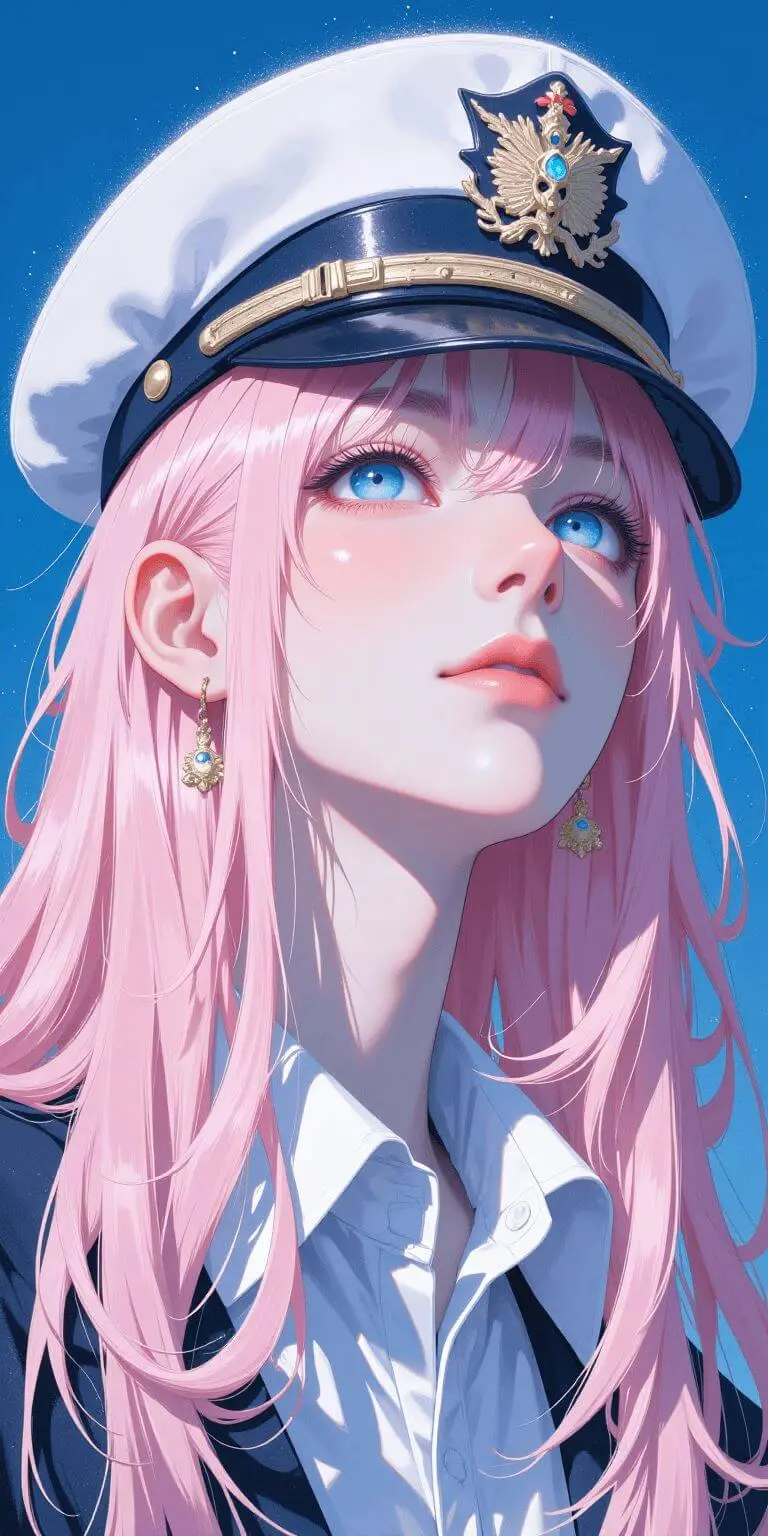 Anime Character
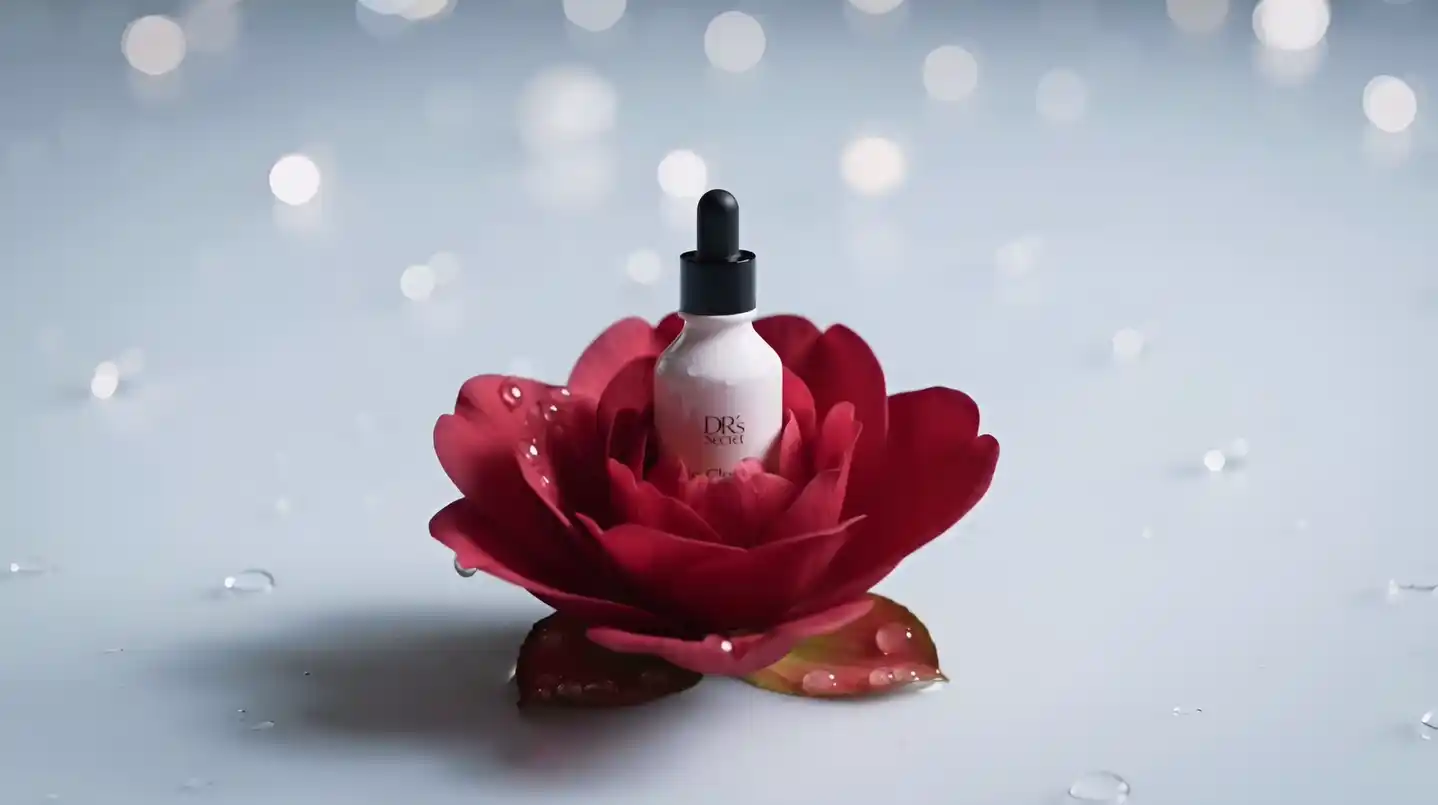 Product Bloom
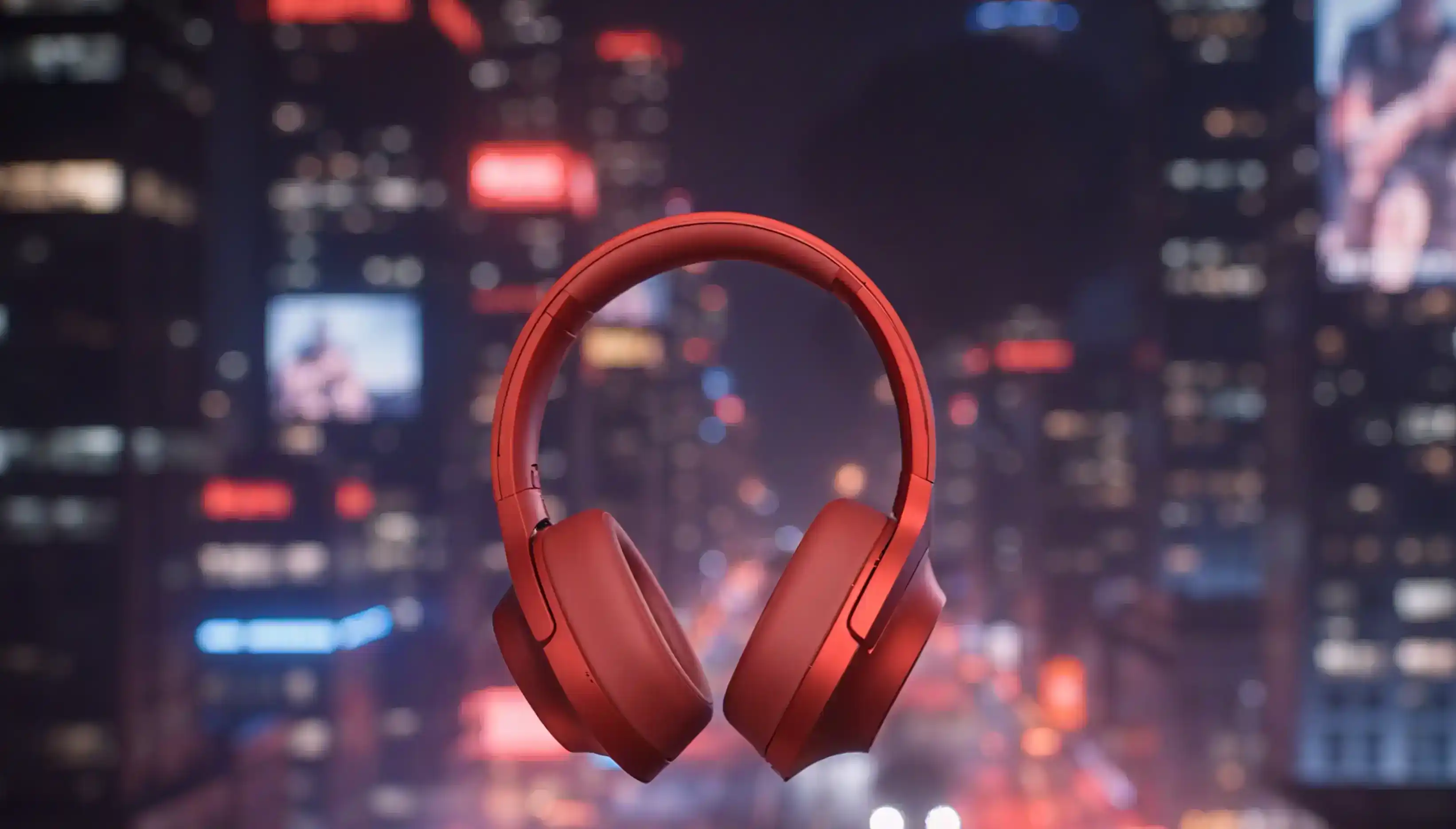 Cyber City Product Ad
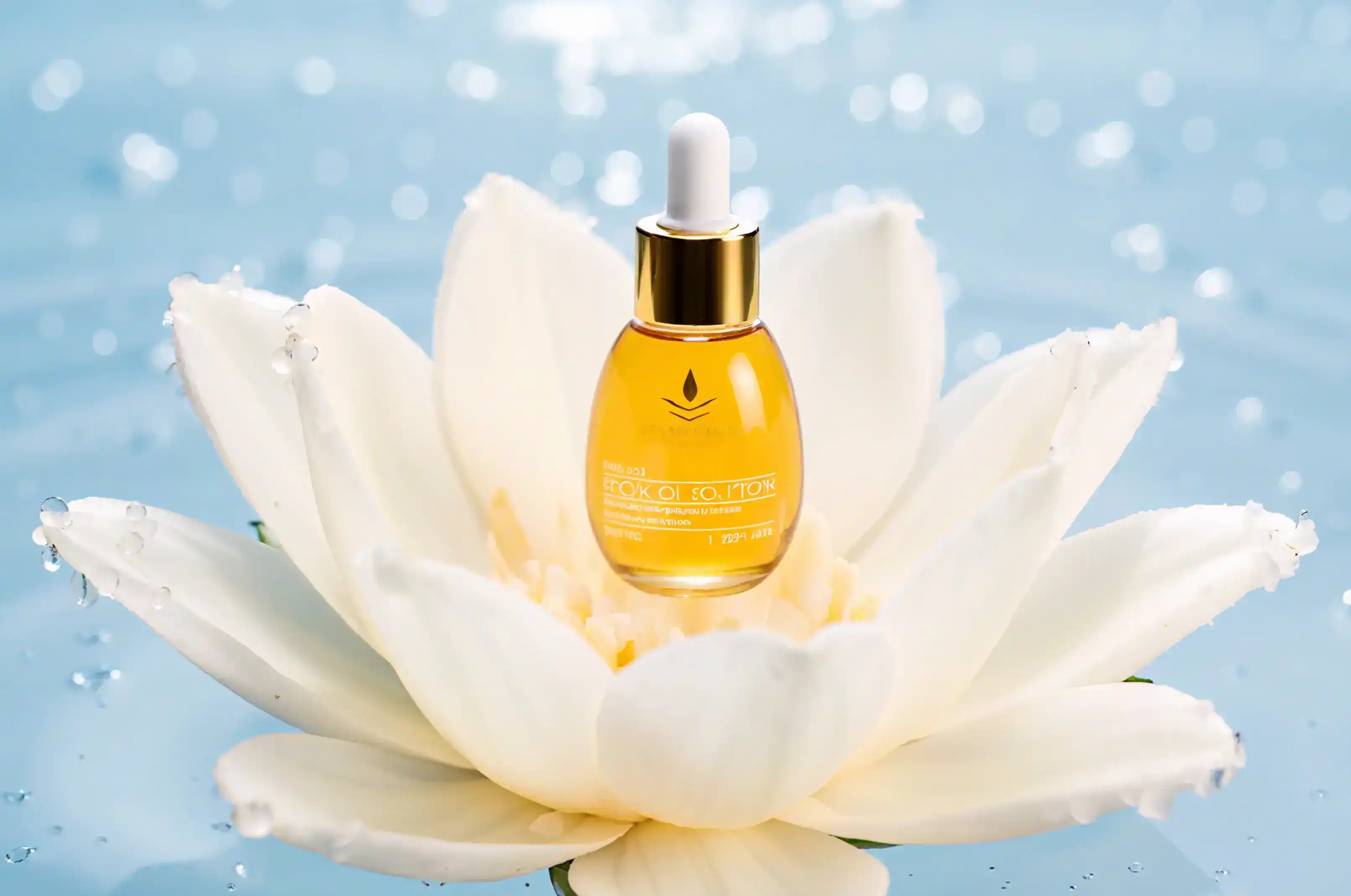 Lotus Product Ad
 Age Progression
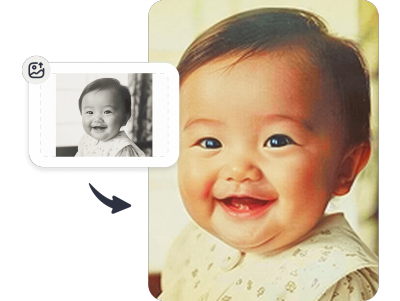 Photo Colorizer
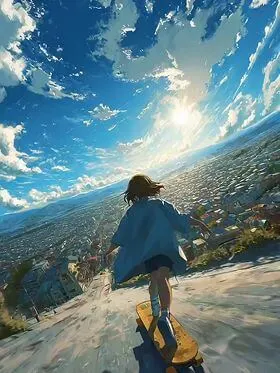 Anime Live Photo
From cinematic video and high-quality images to writing and reasoning, ChatArt brings together specialized AI models for different creative tasks. Explore a model to learn what it does best.
Explore All AI Models
Seedance 2.5

MiniMax H3

Veo 3

Nano Banana Pro

Wan 2.7

PixVerse

Seedance 2.0
Wan 3.0

Art Motion

Flux Context Max

GPT 5.6

Gemini 3.1 Pro

Claude Sonnet 4.5

DeepSeek
Beyond ChatArt's core creative tools, use focused AI tools to extend videos, transform images, draft stories, rewrite text, and handle other specific tasks.

Reduce video production time and consistently deliver high-quality content while staying on top of trends.

Overcome creative blocks, from mood boards to asset generation, and deliver client-ready designs faster than ever.

Let AI handle tedious retouching and adjustments, so you can focus on creative storytelling and visual direction.

Cut outsourcing costs and produce high-performing ad creatives in-house. Speed up testing cycles and maximize campaign results.
See how YouTube creators use ChatArt for AI video, images, music, and complete creative workflows.

Make Your Ideas Reality with ChatArt AI
ChatArt is an all-in-one AI creation workspace for creators and marketing teams. It brings AI video, image, music, story, and writing tools into one platform, helping you move from an idea to finished content without switching between separate apps.
You can create videos from text or images, generate and edit visuals, produce music and music videos, write stories and marketing content, and organize different assets on a flexible canvas. ChatArt supports both quick individual tasks and connected multimedia projects.
Start with a text prompt, an image, or a short video clip. Choose a suitable workflow and AI model, describe the motion or visual style you want, then generate and refine the result. ChatArt supports text-to-video, image-to-video, AI effects, and video extension.
Yes. Marketing teams can use ChatArt to develop campaign concepts, product visuals, social videos, ad creatives, music, and promotional copy in one workspace. This makes it easier to produce and test multiple content formats without managing a separate tool for every task.
No. ChatArt is designed for beginners as well as experienced creators. You can start with a prompt, upload an existing asset, select a model or effect, and let the AI generate the first result before making further adjustments.
ChatArt provides free access or trial credits for selected creative workflows. Advanced AI models, higher usage, and some premium generation or export options may require additional credits or a paid plan.
ChatArt is available through the web and supports Windows, macOS, iOS, and Android. This allows you to start or continue creative work across desktop and mobile devices, although individual features may vary by platform.
ChatArt is most useful when your project involves more than one content format. You can move between writing, image, video, and music workflows in the same platform, reducing tool switching and making it easier to turn one creative idea into multiple campaign assets.