5 Best AI Dance Generators in 2026 : Make Photos Dance (Free & Paid)


8 mins read
Want to make your photo or pet dance to viral TikTok music? You are in the right place.
AI dance generators have exploded in popularity, but finding one that actually works—without crashing or costing a fortune—can be tricky. Whether you are looking for a funny AI cat dance for social media or a high-quality dance video for a project, I've done the heavy lifting for you.
Over the past few weeks, I tested the 5 most talked-about tools: Viggle, ChatArt, ComfyUI, HitPaw, and VEED. I evaluated them on ease of use, rendering speed, and video quality to help you pick the right one in minutes.
Summary Comparison
| Ease of Use | Customization | Output Quality | Best Use Case | |
|---|---|---|---|---|
| ComfyUI | Technical | High | Good (depends on setup) | Tech-savvy creators seeking full control |
| Viggle | Easy | Low | Fun & playful Meme | Quick social media dance clips |
| HitPaw | Moderate | Low | Basic & variable | Simple template dance clips |
| VEED | Moderate | Medium | Variable | Creators wanting some creative control |
| ChatArt | Easy | Very High | Highly flexible | Multi-modal creative projects, self-media, entertainment |
Contents:
- First Impressions: AI Dance Generators Are Fun!
- AI Dance Generators in Action: A Personal Review
- ComfyUI — Professional Edition
- ChatArt – An all-in-one AI creative platform
- Viggle – AI Silly Fun Meme
- HitPaw – AI Dance Generator Online
- VEED – Image-to-Video Generator
- AI Dance Examples: Fun Creations and Experiments
- How to Create an AI Cat Dance Video? (Step-by-Step)
- Why ChatArt Stands Out: Real Examples From My Workflow
- Frequently Asked Questions (FAQ)
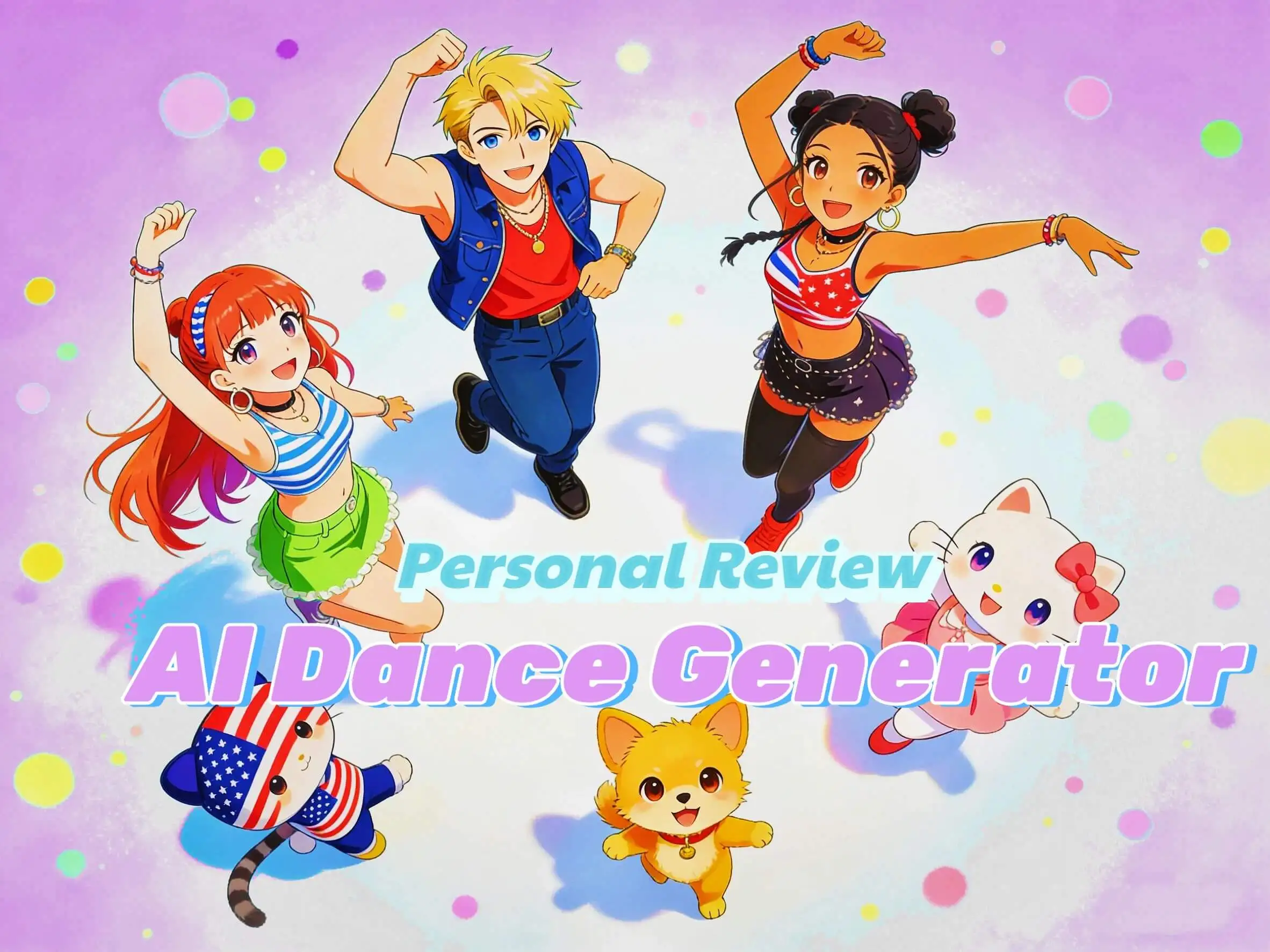
First Impressions: AI Dance Generators Are Fun!
AI dance generators have made it surprisingly easy to create entertaining and shareable videos—from pets dancing to hip-hop beats to AI versions of celebrities performing quirky routines. These tools are not just video generators; they offer a platform for creativity and experimentation.
When evaluating the best AI dance generators, several key factors stand out:
Ease of use – How quickly can a video be created without technical hurdles?
Variety & customization – Are multiple dance styles, characters, and backgrounds available?
Output quality – Are the animations smooth, realistic, and visually appealing?
Additional features – Does the platform offer multi-modal capabilities, such as AI chats, stories, or other creative tools?
These criteria provide a practical framework for comparing different tools, helping identify platforms that balance fun, flexibility, and quality.
AI Dance Generators in Action: A Personal Review
1ComfyUI — Professional Edition
ComfyUI is an open-source AI tool for generating dance videos from images or characters. It’s highly flexible in theory, but it requires local setup and dependency management, or running on a somewhat complex web interface.

My experience: Getting ComfyUI running wasn’t trivial. Installing the required dependencies and downloading the models took time, and generating videos depended heavily on my GPU. Once set up, it allowed some degree of customization with templates and motions, but overall the workflow felt technical and not beginner-friendly.

Pros
- High customization potential for those comfortable with technical setup
- Flexible model usage for creative experimentation
Cons
- Complex installation and setup
- Not intuitive for casual users
- Video generation speed depends on local hardware
Best suited for: Technically-savvy users who want full control over models and dance customization.
2ChatArt
ChatArt is a versatile, multi-modal AI platform designed for creators, hobbyists, and anyone interested in experimenting with AI across different media. Unlike single-purpose dance generators, ChatArt integrates multiple creative functions in one platform.Unlike single-purpose tools, it integrates a full suite of creative functions in one platform.


- AI Dance Video Generation: Create customizable dance videos featuring humans, pets, cartoon-style characters, or stylized celebrity avatars. Fine-tune dance style, background, character, and motion.
- Story and Novel Writing: Generate creative narratives, short stories, scripts, or prompts in seconds.
- Interactive Chat: Engage with AI for brainstorming, conversation simulation, or idea exploration.
- Image and Multimedia Generation: Produce images, GIFs, or video content using advanced AI models.
- AI Detection and Analysis: Run AI-assisted checks and content analysis to ensure quality or originality.
With multiple cutting-edge models updated frequently, ChatArt offers creators the latest tools in one place.
Key Advantages:
Unlimited Use Plan: One-time purchase unlocks all current and future models and features, removing subscription limitations.
Multi-Modal Integration: Video, text, chat, and image tools all accessible within the same platform.
Highly Customizable: Control over dance moves, video styling, character design, backgrounds, and more.
Frequent Updates: New models, templates, and features added regularly.
Flexible Use Cases: Suitable for self-entertainment, social media content creation, and product-related projects.
My experience: During my tests with ChatArt, I explored a wide range of creative outputs. MORE →

iMyFone ChatArt
Your all-in-one AI chat, writing, and creative assistant.
3Viggle – AI SILLY FUN
Viggle can turn images or avatars into short dancing animations. It has a library of dance templates, including meme-style and trendy dance moves, designed for quick social-media content.

My experience: Viggle is easy to navigate, and generating a dance from a single photo is relatively straightforward. The results are fun and meme-ready, making it enjoyable for casual experiments. However, the templates are fixed, and there’s little room for deep customization. Some motions felt repetitive or generic when used extensively.
Pros
- Quick and playful for social media content
- Simple, mostly one-click workflow
Cons
- Limited creative freedom
- Movements can look repetitive
- Advanced customization is minimal
Best suited for: Casual users and social media creators looking for fun, shareable dance clips.
4HitPaw – AI Dance Generator Online
HitPaw allows users to upload photos and generate dance videos using pre-defined templates. It also offers some background and music options.

My experience: Using HitPaw was straightforward but not fully seamless. Generating videos involved multiple steps, and output quality sometimes depended on image resolution and lighting. While it’s beginner-friendly, I found it less smooth than more polished consumer-focused tools.
Pros
- Multiple dance templates
- Beginner-accessible workflow
Cons
- Web interface can feel clunky
- Limited control over motion and style
- Output quality varies
Best suited for: Users who want simple, template-based dance clips without advanced customization.
5VEED – Image-to-Video Generator
VEED converts still images into dancing videos and allows prompt-based customization for movement and style. It offers a middle ground between rigid templates and full custom control.

My experience: The prompt-based approach is flexible and allows some creative freedom, but results can be inconsistent. The generated dances sometimes didn’t sync perfectly with backgrounds or character posture. Overall, it’s better suited for users willing to experiment and iterate.
Pros
- Some creative control through prompts
- Flexible style and motion options
Cons
- Inconsistent results at times
- Requires experimentation to get polished videos
- Not ideal for instant, ready-to-share content
Best suited for: Users who want a balance between automation and creative customization
Takeaway:
If your goal is quick and fun dance videos, ComfyUI, Viggle, or HitPaw work for casual clips. For some creative input and control, VEED offers a middle ground. But for self-media, or multi-modal projects, ChatArt is the clear winner: its rich models, highly customizable options, unlimited plan, and multi-modal capabilities make it a one-stop solution for video, text, and interactive AI projects.
AI Dance Examples: Fun Creations and Experiments
Here’s a quick look at some of the dance videos I created using ChatArt:
These creations turn pets—or any animal image—into smooth, rhythmic dancers. They’re playful, viral-ready, and perfect for TikTok, Reels, or just for fun experiments.
I transformed famous figures into entertaining dancers. These humorous, shareable clips are great for engagement and light-hearted social media content.
High-energy urban and hip-hop choreography brought to life. These videos feature sharp moves and rhythmic patterns, making characters pop on short-form video platforms.
Exaggerated, light-hearted dance clips crafted for meme culture. Perfect for generating humorous, viral-ready content that audiences love to share.
How to Create an AI Cat Dance Video?


Why ChatArt Stands Out: Real Examples From My Workflow
After comparing all the tools and trying out a few fun dance templates, I realized that ChatArt wasn’t just another ai dance generator—it slipped into my workflow in a way the others didn’t. It let me create dance videos, images, story ideas, and even chat through concepts without switching platforms. To show how it actually works in practice, here are a few real examples from the projects I built directly inside ChatArt.
Story and Novel Writing
Produced short stories and writing prompts directly within the platform, demonstrating multi-modal functionality.


Interactive Chat
Used the AI chat tool for brainstorming ideas and exploring creative dialogue, which helped refine video concepts and storylines.
AI Videos
Generated multiple clips, including a slow dance with a cartoon character, a fast street dance with a pet, and a stylized celebrity avatar dancing. Each video could be customized in terms of background, style, and motion.

AI Images
Created AI-generated images for social media posts and visual storytelling.
Frequently Asked Questions (FAQ)
Q: Can I use ChatArt for commercial projects?
A: Yes. ChatArt’s unlimited plan allows you to use generated content for personal, social media, or commercial purposes.
Q: What makes ChatArt different from other AI dance generators?
A: Unlike single-purpose tools, ChatArt is multi-modal, offers multiple cutting-edge models, frequent updates, and an unlimited access plan for all features.
Q: Do I need to install anything to use ChatArt?
A: ChatArt supports Windows, macOS, iOS, Android, and the web. You can use it directly in your browser without complex installation or local deployment.
Final Thoughts
Each tool has its strengths, but ChatArt is the only one that delivers a full creative ecosystem rather than a single-use generator. If you want quick, simple dance clips, other platforms work. If you want a flexible, multi-modal, always-evolving creative toolkit with unlimited access, ChatArt is the clear winner.

Nano Banana 2: The Future of AI Image Generation Is Here
Complete Guide to Writing Seedance 2.0 Prompts | Create Cinematic AI Videos
How to Use Seedance 2.0: Access, Platforms & Step-by-Step Guide for AI Video Creation