Unrestricted AI Fanfic Generator: Crush Writer’s Block with AI


6 mins read
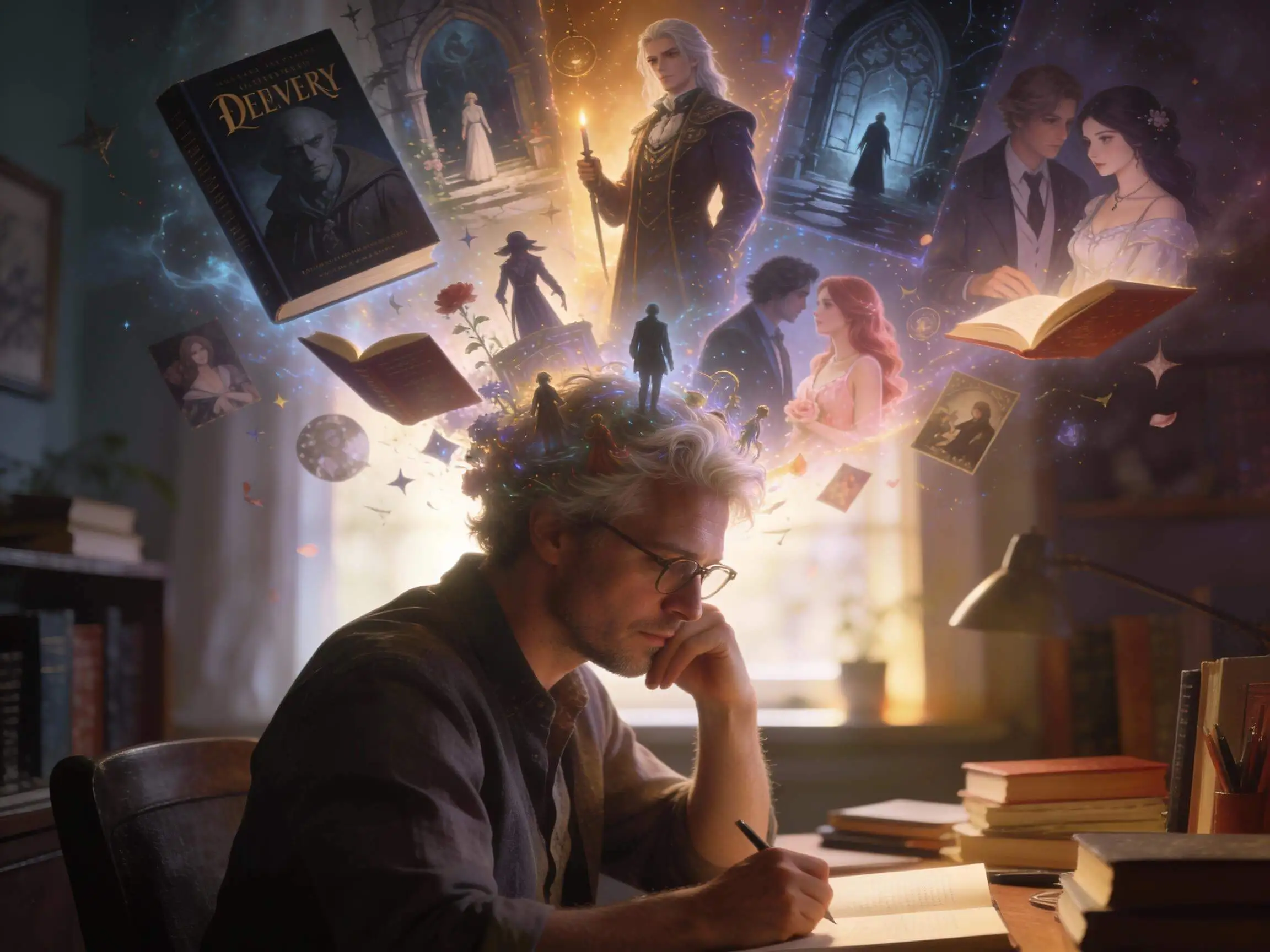
Have you ever had the perfect "what if" scenario for your favorite fandom, only to stare at a blinking cursor for hours?
You’re not alone. Whether you're balancing Draco Malfoy’s sharp wit or plotting a Naruto crossover, the struggle with writer’s block and OOC (Out of Character) behavior is real.
Today, a high-quality AI fanfiction generator isn't a "cheat code"—it’s a powerful co-writer. In this guide, we’ll show you how AI helps you write faster without losing the emotional depth your readers love.
In this article, you will learn:
How to Overcome the 3 Biggest Hurdles in Fanfic Writing
Every fanfic author, from the hobbyist on AO3 to the seasoned writer on FanFiction.net, faces the same "unholy trinity" of obstacles. Here is how you can tackle them using a modern, AI-assisted workflow:
1 The "OOC" (Out of Character) Nightmare
There’s nothing readers hate more than a character who doesn't sound like themselves.
The Fix: Before writing, create a "Character Voice Profile." List 3 signature vocabulary words they use and 3 things they would never say. When using AI writing tools, feed this profile into the system first to "anchor" the AI’s tone to the canon personality.
2 The Dreaded "Mid-Story Slump"
Most fics die at Chapter 5 because the author knows the beginning and the end, but the "middle" feels like a drag.
The Fix: Use a "Plot Seed Generator." Instead of trying to write the whole chapter, brainstorm three different "inciting incidents" that could happen next. AI is brilliant at this—it can offer 10 different plot twists in seconds, allowing you to pick the one that feels most organic.
3 World-Building Fatigue
Writing a Naruto crossover or a Harry Potter AU requires keeping track of complex magic systems or lore.
The Fix: Use a digital co-writer to maintain a "Story Bible." You can ask an AI to summarize your previous chapters to ensure that the rules you established in Chapter 1 aren't broken in Chapter 20.
Why a Specialized "Fanfiction Generator" is Better than General AI
Many writers try using basic chatbots to help with their stories, only to be met with "As an AI language model, I cannot generate this content" or generic, robotic prose that lacks soul.
This is where a dedicated fanfiction generator becomes essential. A tool like ChatArt is designed specifically for creative storytelling, is a precision-engineered suite designed specifically for storytelling. It’s not just one tool; it’s an entire creative ecosystem.


- Unrestricted Writing: Write complex, emotionally rich fanfiction with full creative freedom and no unnecessary limitations.
- Multi-Model Quality: Powered by GPT-5.2, GPT-4o, Gemini 3.0 Pro, and Claude Sonnet for stronger story logic and language.
- No OOC Characters: Lock character personality and speech so behavior stays in-character across chapters.
- Any Style, Unlimited Rewrites: Switch tones and genres freely and rewrite or expand scenes in one click.
- Text + Visual Creation: Generate fanfic text, character images, covers, and AU or crossover ideas together.
Watch this easy-to-follow video to create fanfiction fast!
Step-by-Step: Your First Fanfic with ChatArt (A Dramione Case Study)
Ready to transform your ideas into compelling stories? Let's walk through creating a "Coffee Shop AU" Dramione fanfic using ChatArt. Forget writer's block—you're about to "produce content" at warp speed.
Enter ChatArt’s AI Story Generator and set up your story by giving it a title, selecting the language, target audience, point of view, and genre (Romance, Fantasy, Urban Life, BL/GL, etc.). Define the core premise in the background setting, and add detailed main character profiles to maintain consistency and keep characters true to their original personalities. This ensures smooth storytelling and prevents out-of-character behavior (OOC).
 Tip
TipRefining the overall settings of your novel helps ensure consistency in subsequent chapters and makes it easier to maintain logical coherence for your characters and world.

With your foundation set, it’s time to outline the narrative arc for your chapters. Proceed to Chapter Generation and enter the chapter events you want to see unfold. For romantic stories, enable “Romance Interaction Mode” to activate specialized dialogue generation and emotional pacing, creating richer and more engaging chapters.

Once your chapter is generated, you can click “Apply” or “Copy” to transfer the content to the editor for further refinement. Click “New Chapter” to continue generating chapters within the same story background, allowing you to expand the narrative consistently. In the editor, you can adjust formatting, insert AI-generated images, and use additional AI Tools:
Ask AI: Quickly solve writing challenges or get suggestions.
Continue Writing: Automatically continue your novel with AI assistance.
Generate Images: Create the illustrations you want with a single click.
Polishing & Grammar Checker: Optimize language, grammar, and format for a professional finish.
This workflow lets you seamlessly expand your story, enrich chapters with visuals, and polish your text for high-quality fanfiction.

Platforms vs. AI: Your Creative Command Center
Most writers view AO3 (Archive of Our Own), FanFiction.net, and Wattpad as their primary homes. However, these platforms are "stages" for your finished work—they don't help you build it. They provide the audience, but they can’t fix a plot hole or cure writer’s block at 2 AM.
ChatArt is your "back-end engine." It’s the private workshop where your story is forged and polished before it ever reaches your readers' eyes.
| Feature | Publishing Platforms (AO3/Wattpad) | ChatArt AI Writing Suite |
|---|---|---|
| Primary Purpose | Hosting & Community | Ideation & Drafting |
| Writing Support | Manual writing only | AI Co-writing & Plot Generation |
| Character Consistency | Human memory dependent | Persona-Locking (Anti-OOC) |
| Visual Content | Limited / External links | Built-in Character & Cover Art |
| Creative Freedom | Community TOS restricted | Unrestricted Mode for full vision |
| Update Speed | Limited by "The Muse" | Instant Expansion & Rewriting |
Frequently Asked Questions
Is it legal to use AI for fanfiction?
Yes. Writing fanfiction is a transformative use of existing IP, and using AI as a tool is similar to using a spell-checker or a thesaurus. Since fanfiction is generally non-commercial and hosted on platforms like AO3, using ChatArt to assist your creative process is perfectly legal.
How do I make sure the AI doesn’t make the characters sound OOC?
The secret is ChatArt’s Persona-Locking feature. By inputting specific character traits, backstories, and speech patterns in the "Character Settings" step, the AI anchors its generation to the canon voice, ensuring Draco sounds sarcastic and Hermione sounds intellectual every time.
Will I lose my "Writer’s Voice" if I use AI?
Not at all. Think of ChatArt as a co-writer, not a replacement. You can use it to brainstorm plot hooks or expand a scene you’re stuck on, then refine the prose to match your unique style. It handles the "grunt work" of drafting so you can focus on the soul of the story.
Does ChatArt know the lore of specific fandoms like Naruto or Star Wars?
Yes. ChatArt is powered by elite models (GPT-5, Claude 3.5) that have been trained on vast amounts of data, including the lore, world-building, and character arcs of thousands of anime, books, and movies.
Stop Plotting, Start Writing
Don't let writer's block kill your best ideas. Use ChatArt to crush OOC struggles, maintain perfect lore, and update your series faster than ever.
Ready to write your next viral fic? Try ChatArt for Free Today and bring your fandom stories to life!

iMyFone ChatArt
Your all-in-one AI chat, writing, and creative assistant.

How to Create Video with Images Using Free AI Tools
5 Best AI Glamour Video Generators That Push Creative Boundaries

8 Best AI Boyfriend in 2026 : Free, Online & No Sign-Up