This is a standard iOS security step and only takes about one minute.
iOS 18 and above
After installing the app, please follow the steps below to trust the developer so ChatArt can run properly.
Step 1. First, click the Download button to install.
Step 2. Go to Settings > General > VPN & Device Management.


Step 3. Click the developer.

Step 4. Click Trust Developer.

Step 5. click "Allow & Restart" to trust the developer and restart your iPhone.

Step 6. After restarting the device, install profile and enter your lock screen passcode.


Finally, return to the home screen, click the ChatArt icon to open the software.
iOS 17 and below
After installing the app, please follow the steps below to trust the developer so ChatArt can run properly.
Step 1. First, click the Download button to install.
Step 2. Go to Settings > General > VPN & Device Management.


Step 3. Click the developer.

Step 4. Click Trust Developer.

Step 5. Click Trust.

Finally, return to the home screen, click the ChatArt icon to open the software.
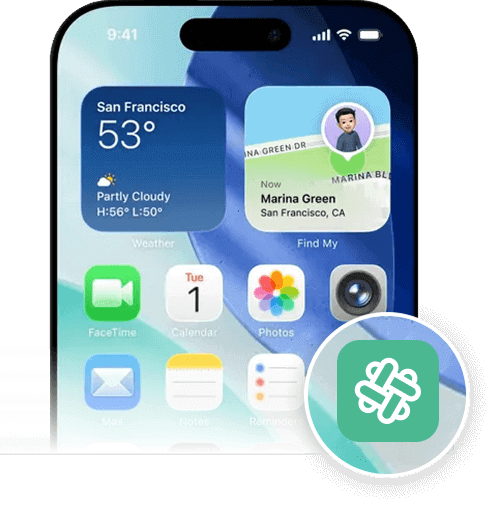
Download in progress.
Please check your Home Screen.